For parents to keep a copy of the semester reports e.g. student's final year in Year 6 at the school, open the desktop version of the Portal.
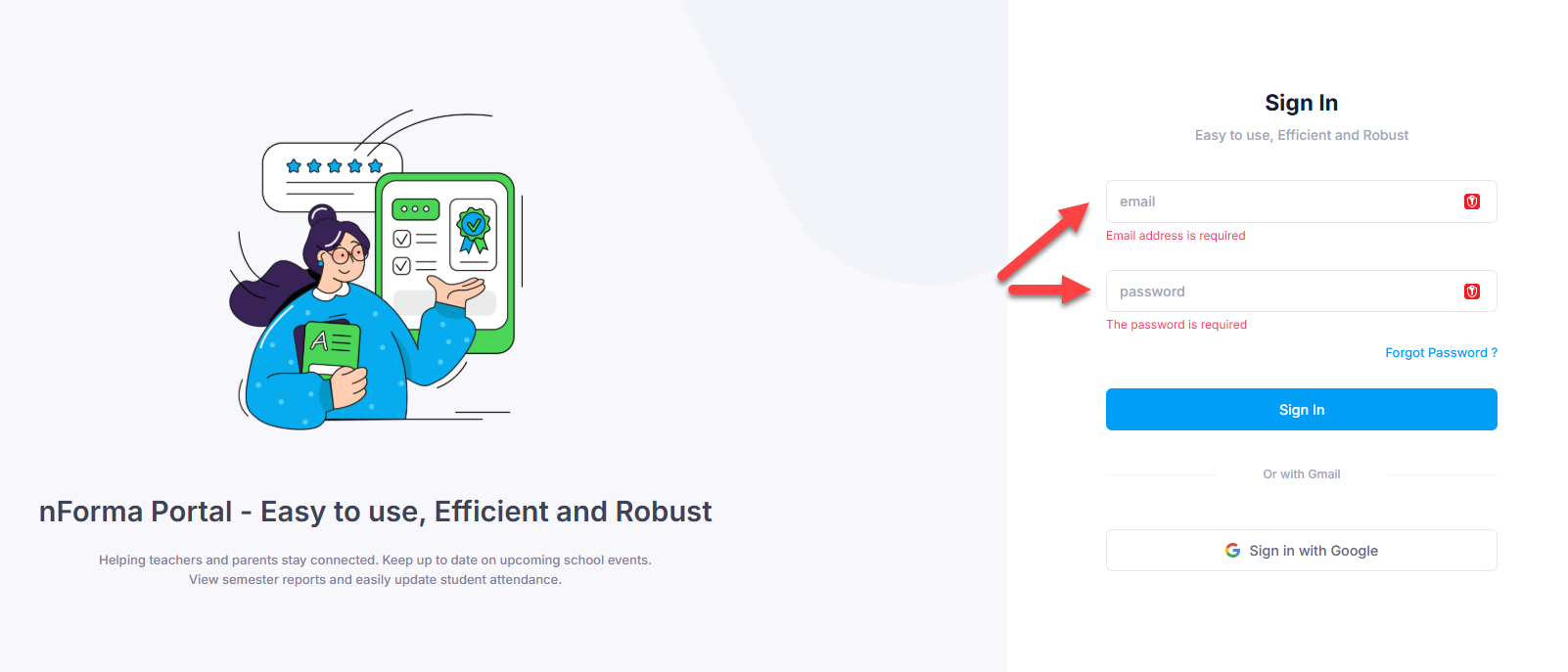
Click on the following link:
https://portal.nforma.com.au/login
Parents can enter the same email address and password that they may have used for the APP
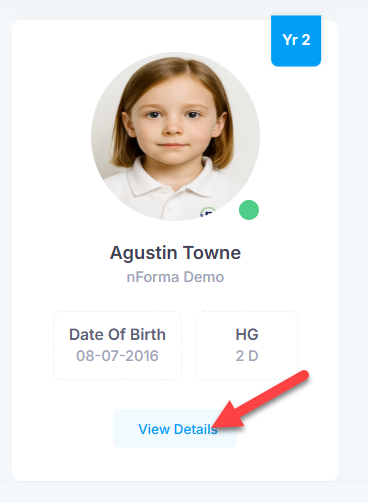
On the dashboard, click on the View Details for the required student
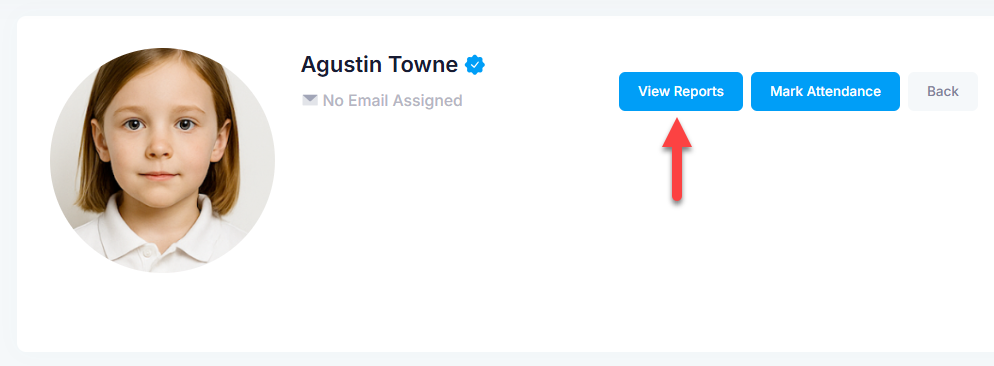
Click on View Reports or scroll to the bottom of the screen
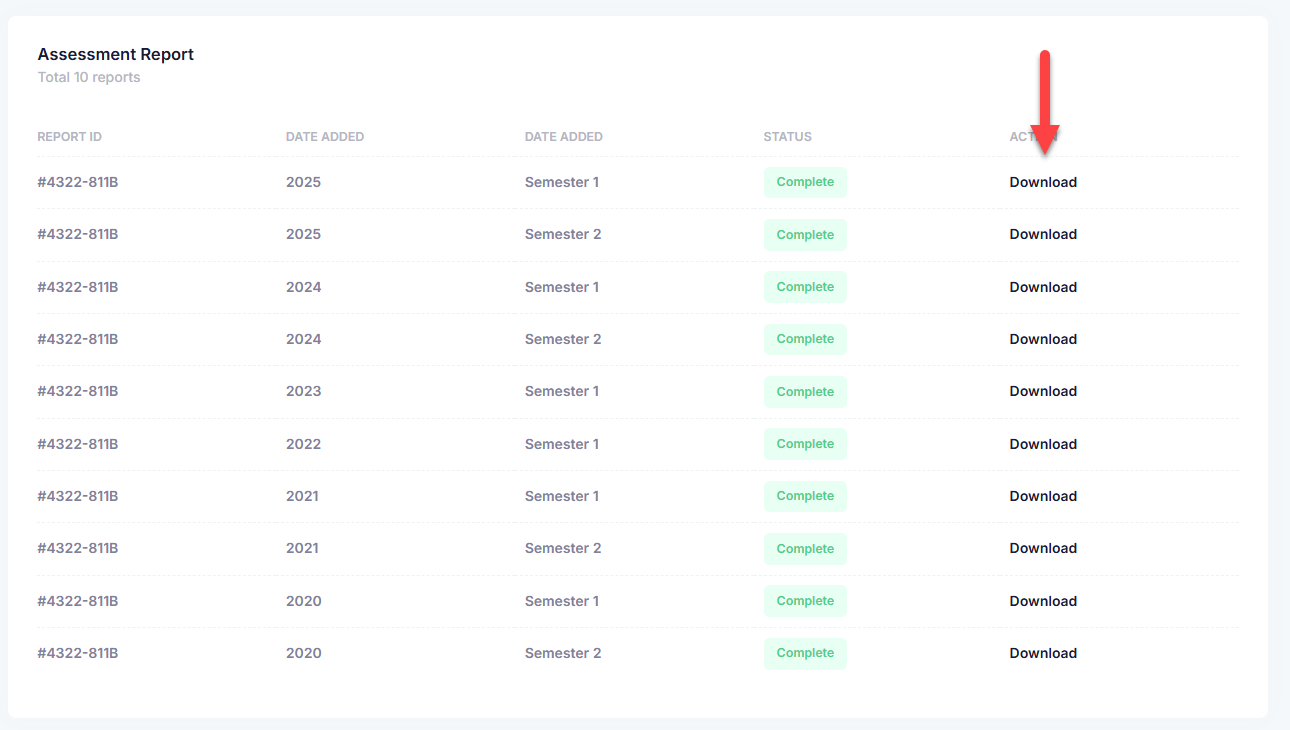
Click on Download for each of the report they want to store on their computer
Was this article helpful?
That’s Great!
Thank you for your feedback
Sorry! We couldn't be helpful
Thank you for your feedback
Feedback sent
We appreciate your effort and will try to fix the article