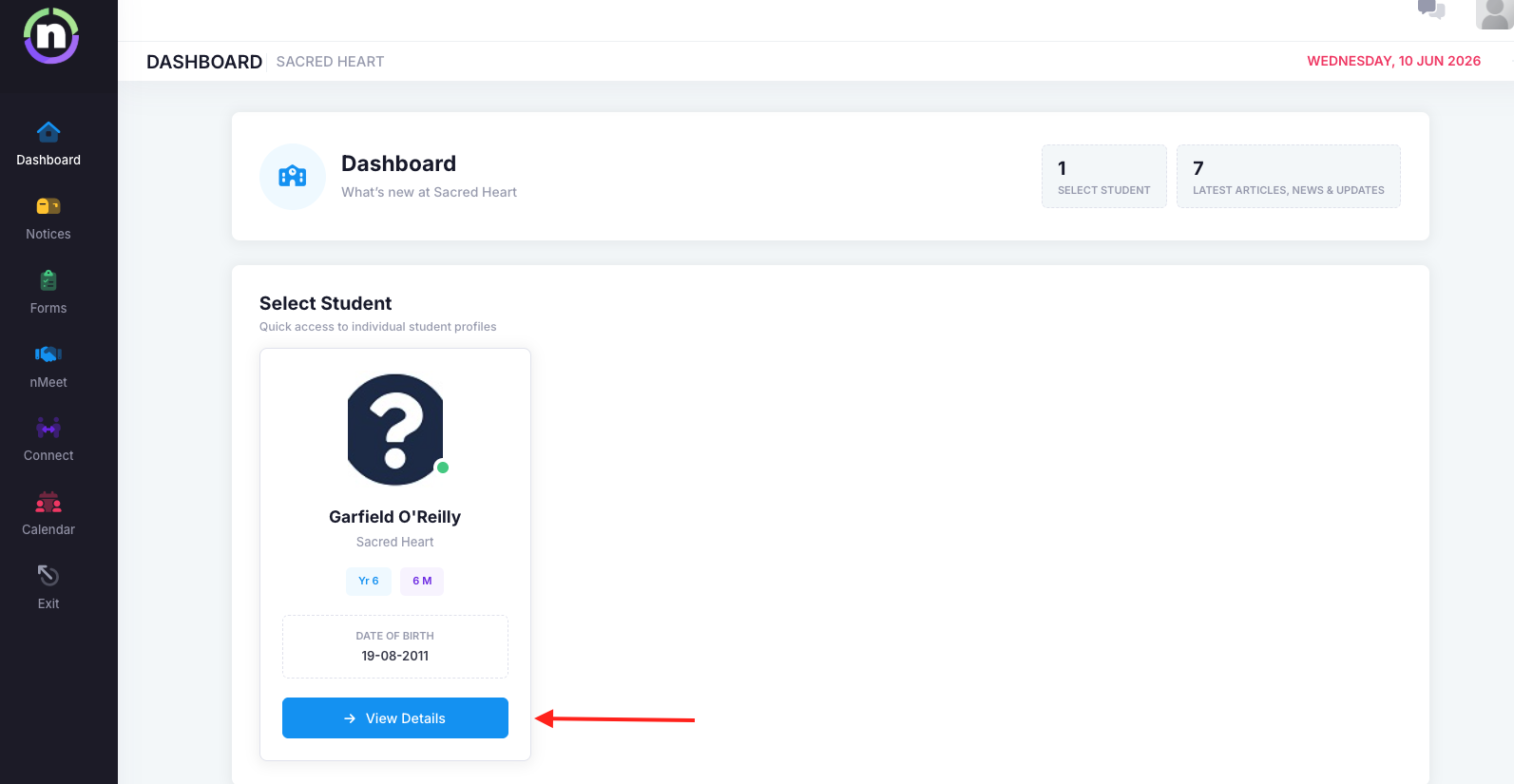
From the dashboard, they select the child they want to send an absence for:
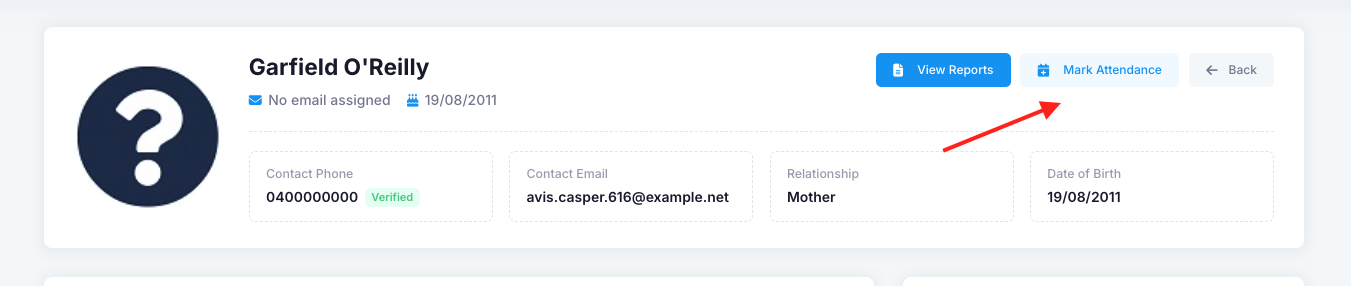
In the student's profile, they click 'Mark Attendance':
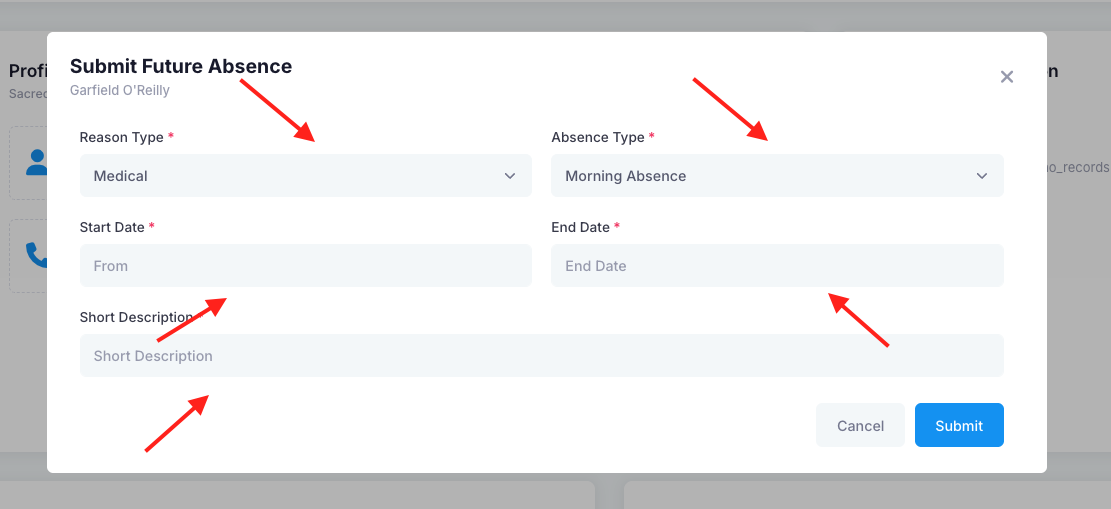
They then enter the details of the absence:
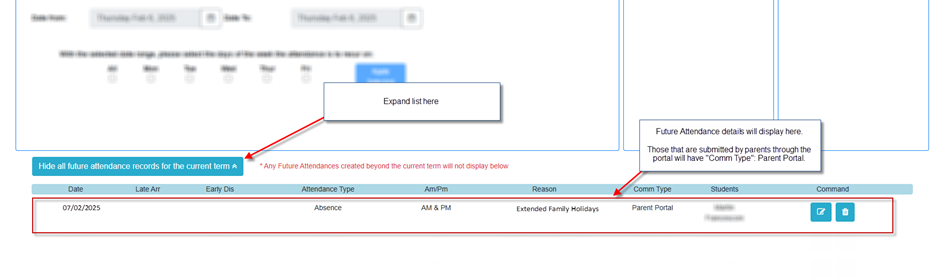
If the date selected by the parent is in the future, then a future attendance record will be created. You can view these in nRoll -> Future Attendance.
Scroll down and click "Show All Future Attendance Records for the Current Term".
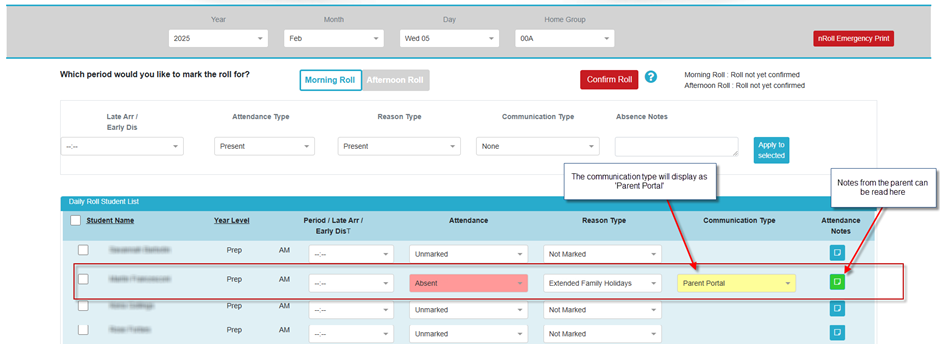
If the date is today, then the record will immediately update today's roll. The homegroup roll needs to be saved for the record to be registered.
Was this article helpful?
That’s Great!
Thank you for your feedback
Sorry! We couldn't be helpful
Thank you for your feedback
Feedback sent
We appreciate your effort and will try to fix the article