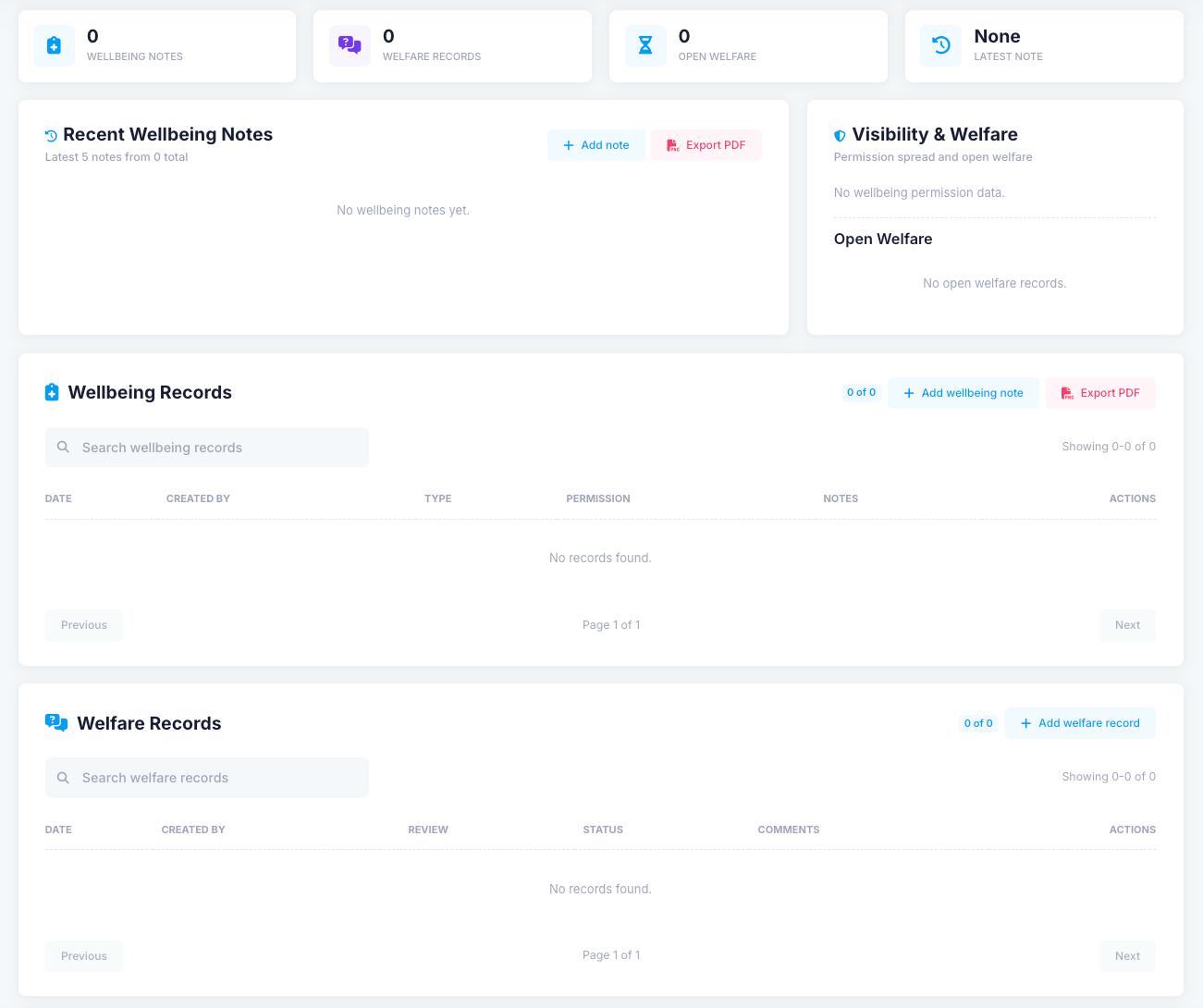
nWellbeing has been decommissioned from nForma. It has been enhanced and can now be found in the new nPortal as "Wellbeing". To access the Wellbeing module, first ensure it is part of your subscription. If it is, go into "Apps", "Wellbeing" and "view wellbeing". Select the student you would like to add the Wellbeing note for and click on the "Actions" button and "Wellbeing". Scroll until you see the Wellbeing module.
Be sure to add all your type fields in prior to using the module (refer to the following documents).
- Why are my Wellbeing note types empty?
- Why are my Referral reasons empty?
- Why are my strategies empty?
Was this article helpful?
That’s Great!
Thank you for your feedback
Sorry! We couldn't be helpful
Thank you for your feedback
Feedback sent
We appreciate your effort and will try to fix the article