Yes, you are able to restrict who can view a wellbeing note or an additional note. You will first need to assign the user with their access level. To do this, go into "Apps", "Users" and "Staff". Click the "Actions" button and select the permission level. Once done, select that permission level on the wellbeing item.
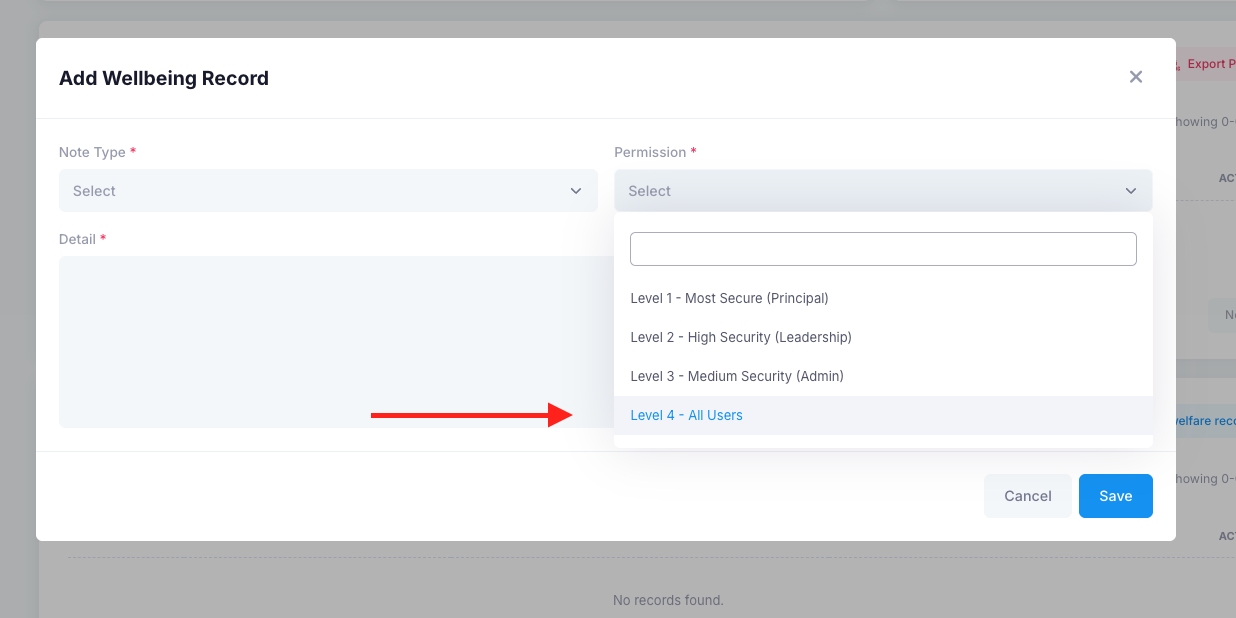
The four levels of access are:
Level 1: Principal (Most secure)
Level 2: Leadership (High security)
Level 3: Administrators (Medium security)
Level 4: All staff users
Was this article helpful?
That’s Great!
Thank you for your feedback
Sorry! We couldn't be helpful
Thank you for your feedback
Feedback sent
We appreciate your effort and will try to fix the article