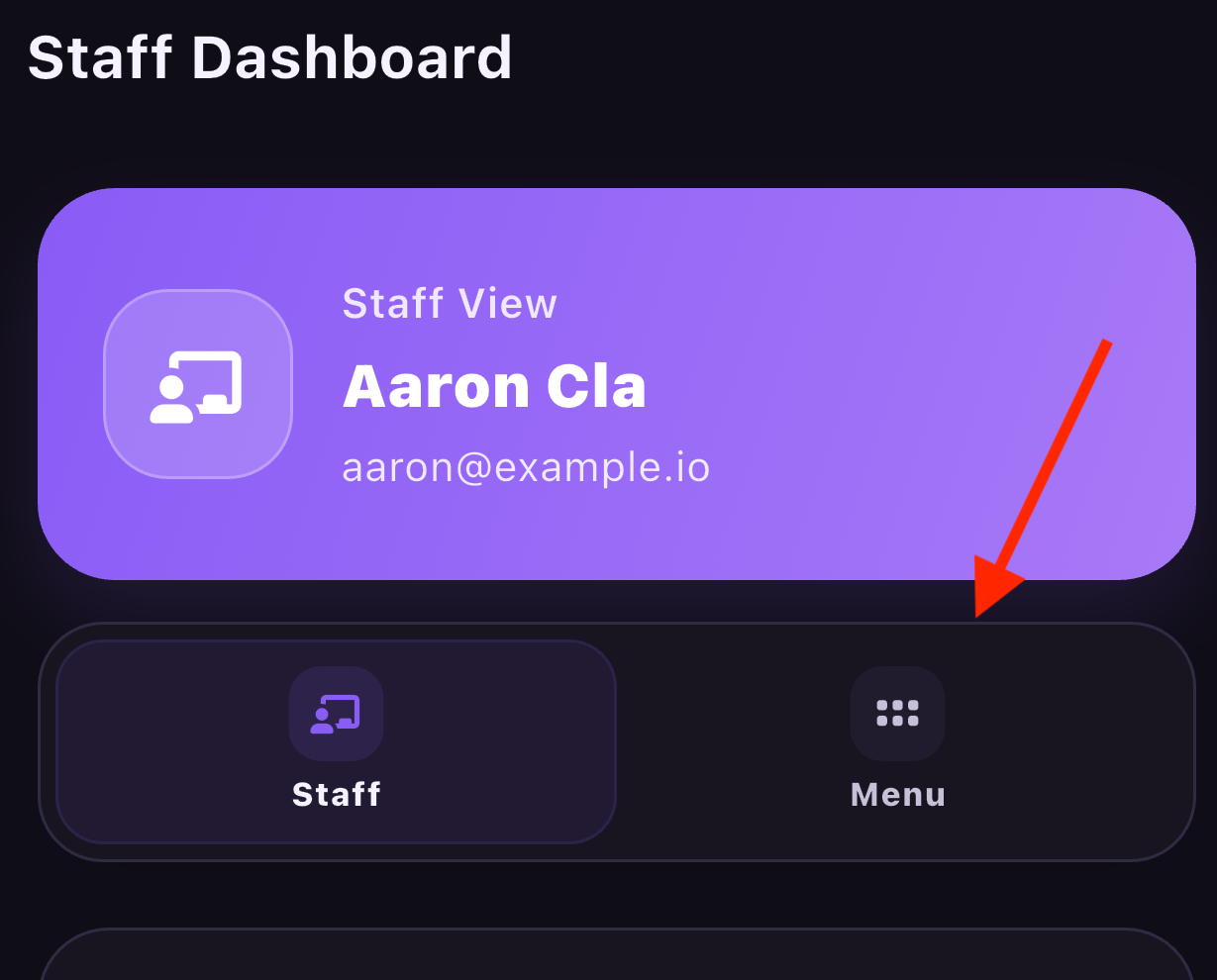
A parent is able to set what notifications they receive via the App. To set the notifications, the parent will need to log into the App and then click on the "Menu" tab.
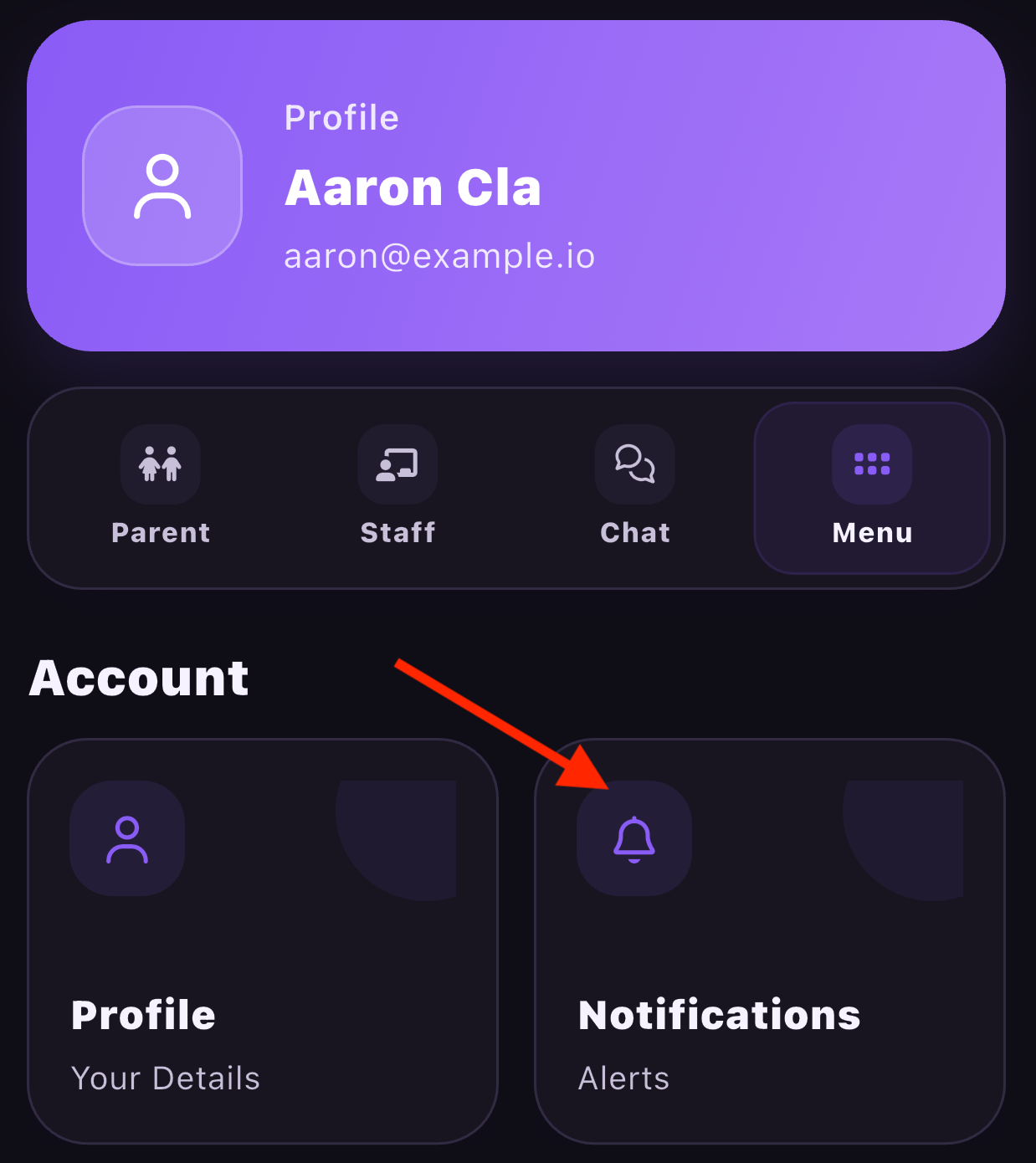
Once there click on Notifications.
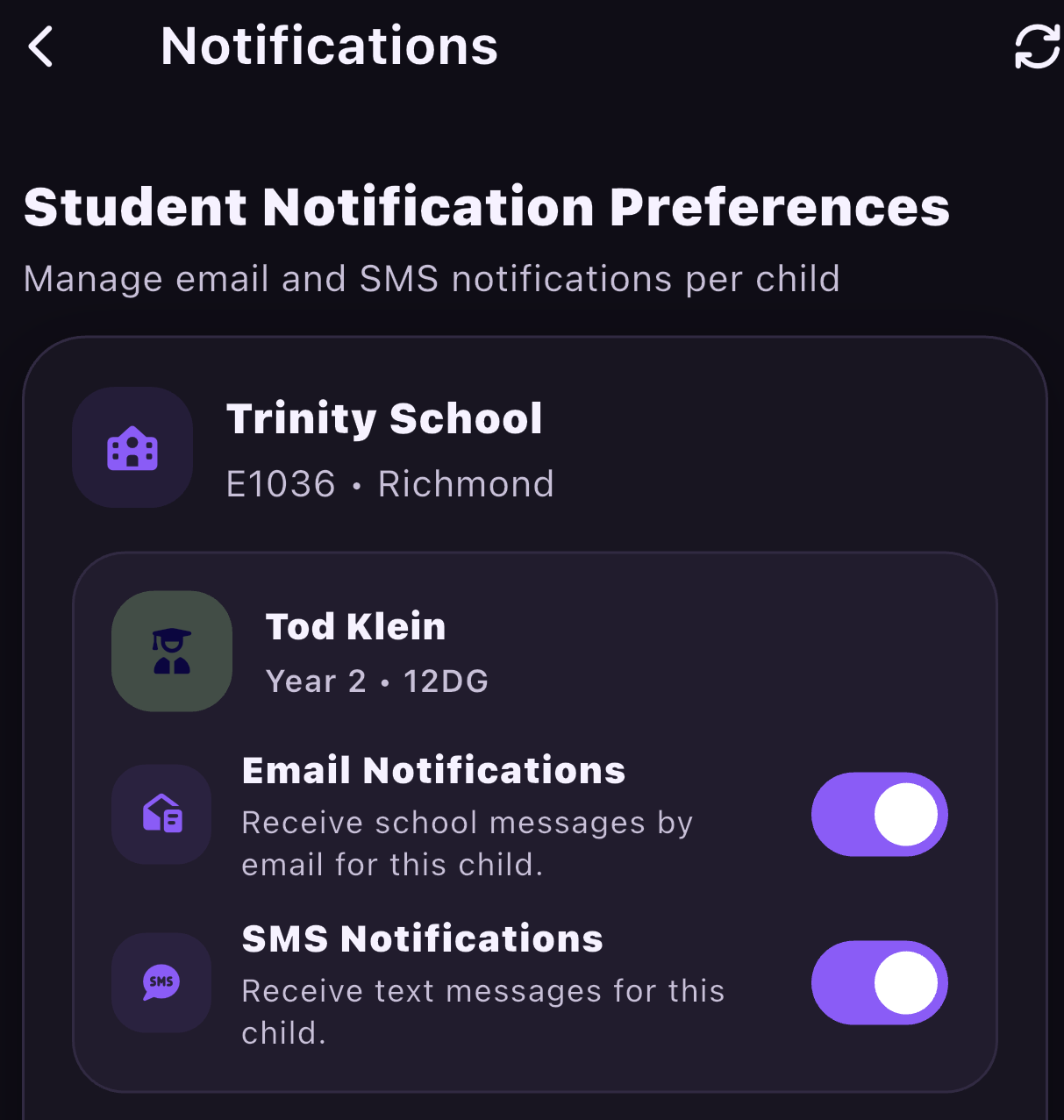
They will then need to scroll down to the student names. They can then decide what notifications they no longer want to receive.
- Email Notifications
- SMS Notifications
If they want to disable App notifications, this will need to be done via their phone's notification settings
Was this article helpful?
That’s Great!
Thank you for your feedback
Sorry! We couldn't be helpful
Thank you for your feedback
Feedback sent
We appreciate your effort and will try to fix the article