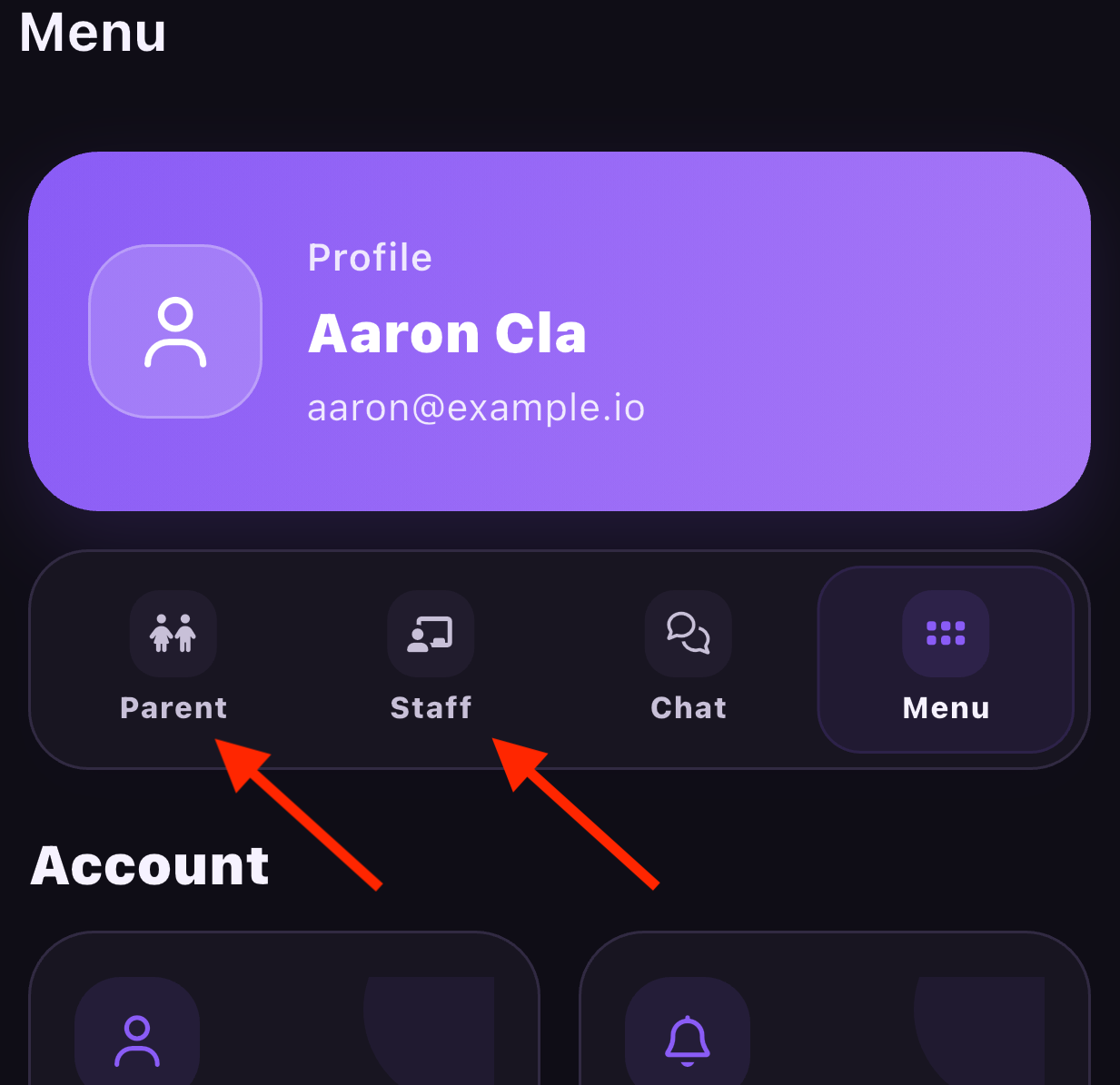
Staff who are also parents will no longer have to log in and out of the nForma app to switch accounts. The below instructions will explain how a staff can setup their parent account.
Step 1: Download the new "nForma Connect" App
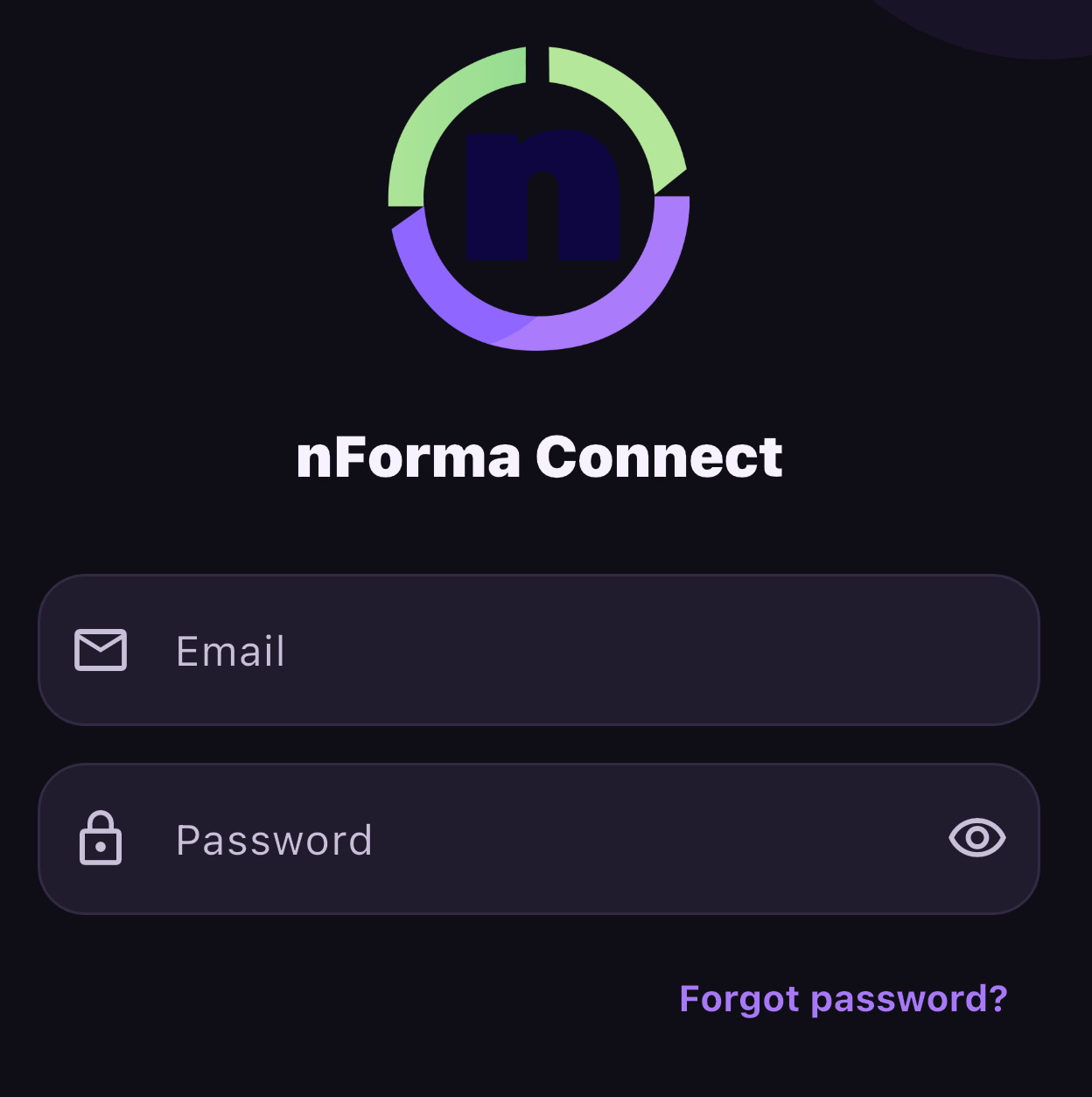
Step 2: Log into the App using their staff email and password
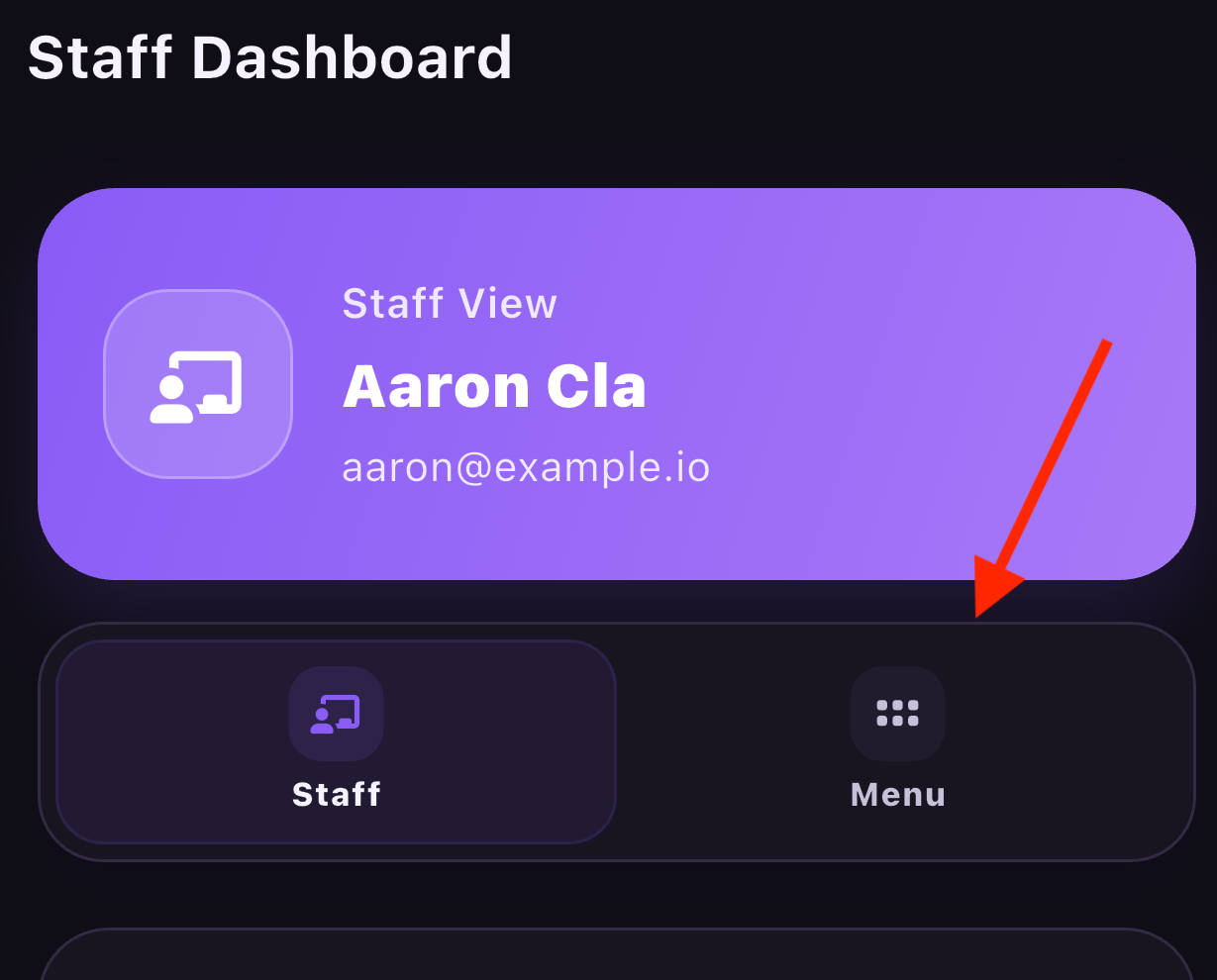
Step 3: Click on Menu
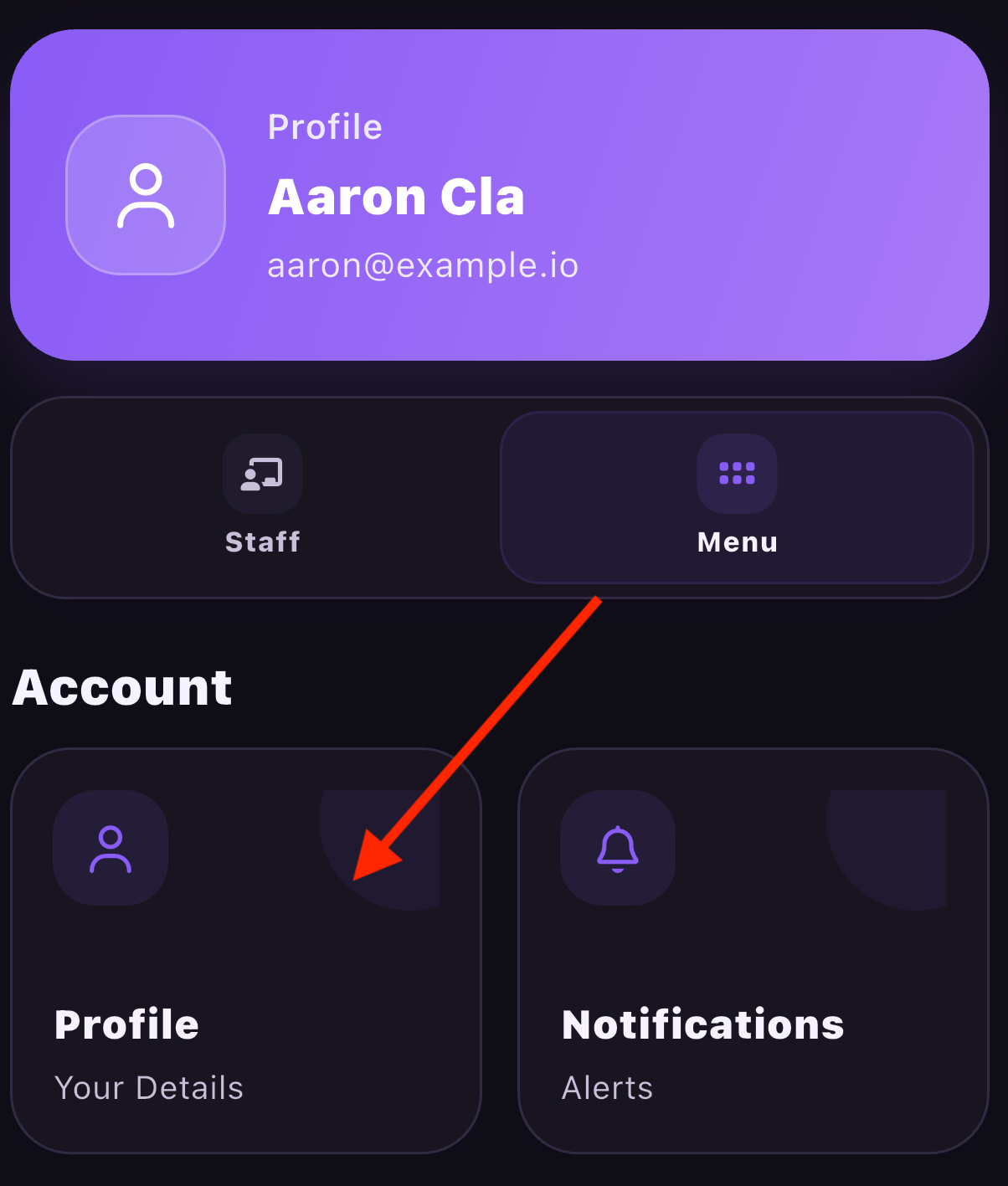
Step 4: Click on Profile
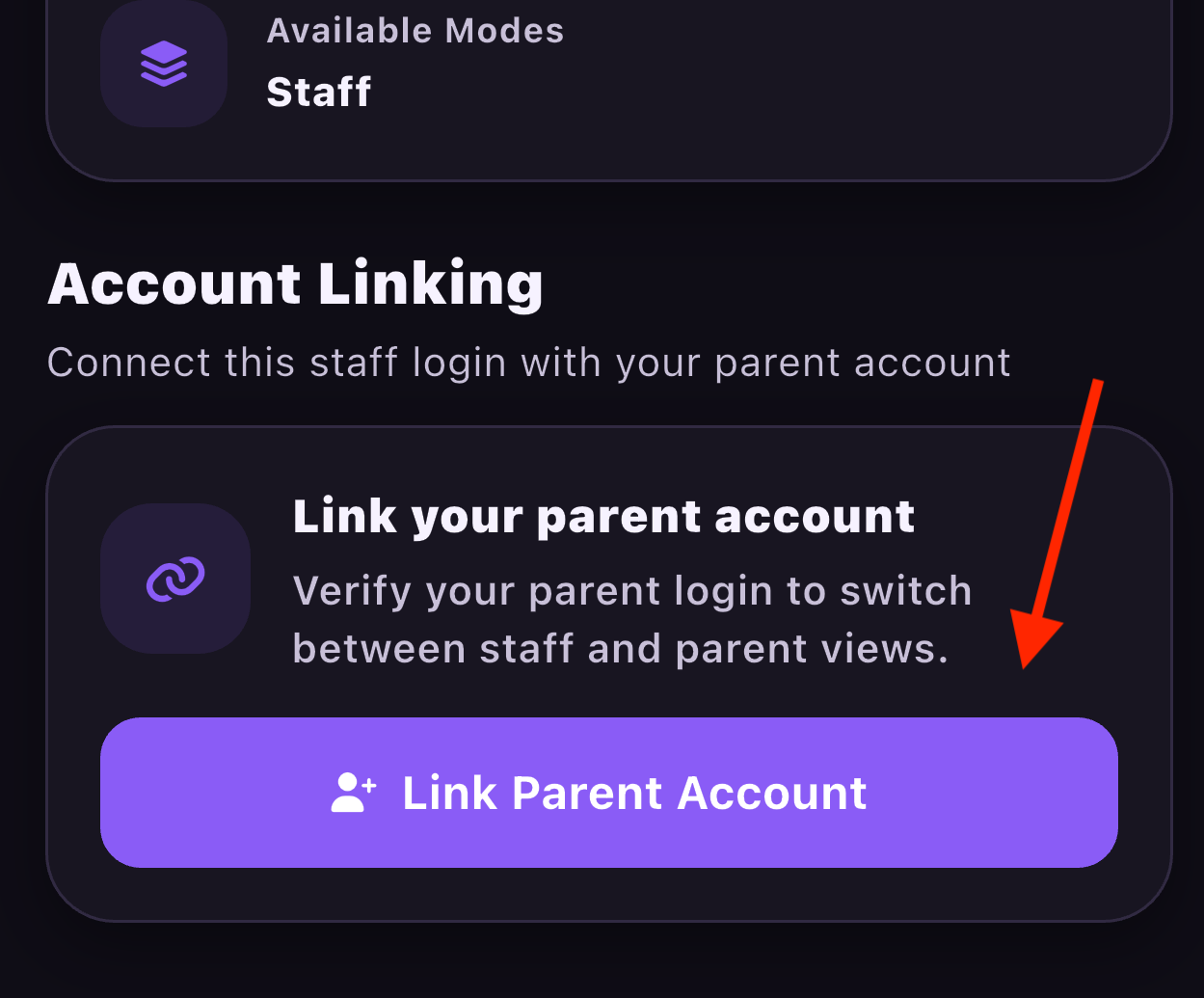
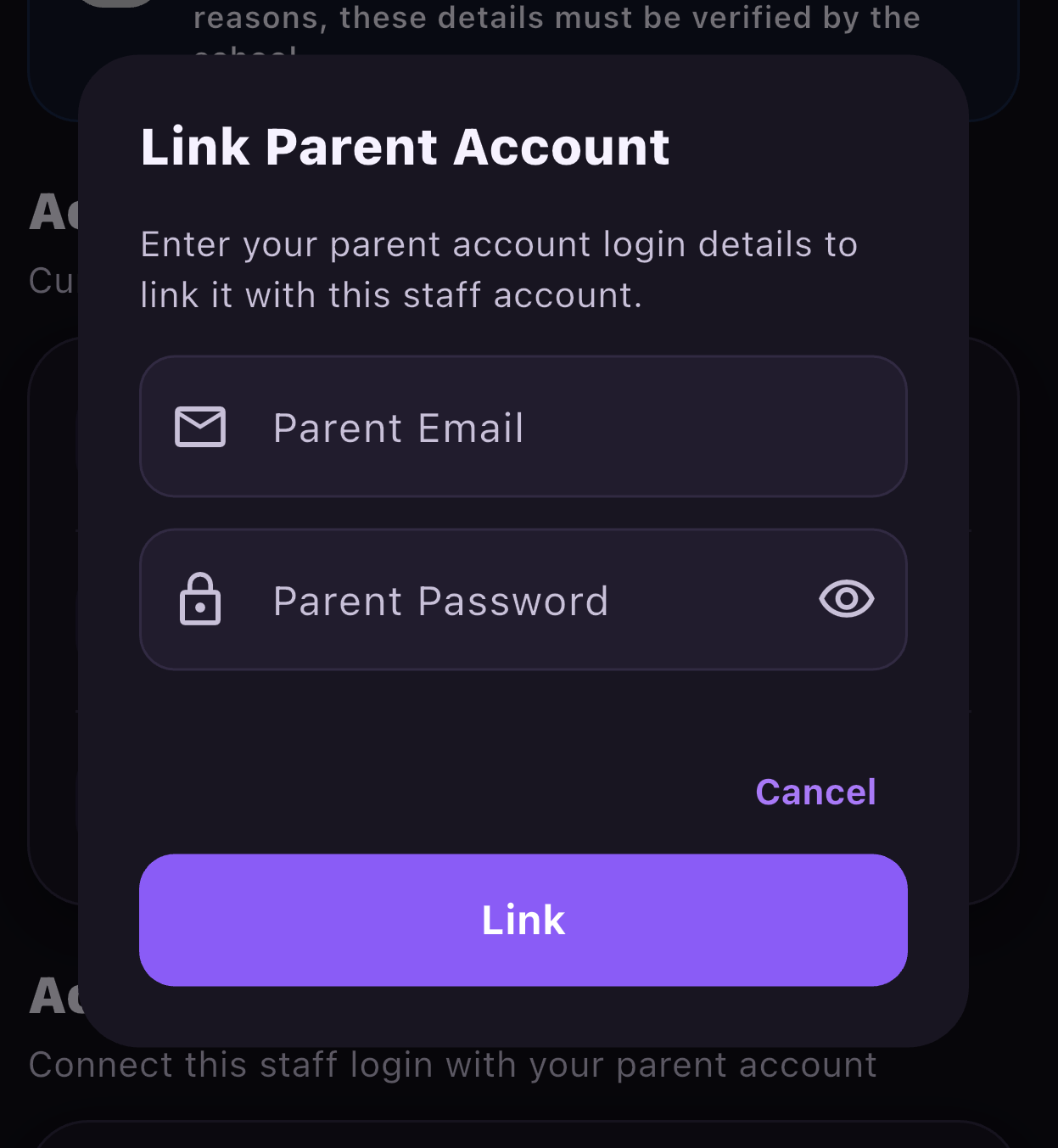
Step 5: Scroll to the bottom of the page and click "Link Parent Account"
Step 6: Insert parent email address and password
They will then be able to view their parent and staff profiles with ease.
Was this article helpful?
That’s Great!
Thank you for your feedback
Sorry! We couldn't be helpful
Thank you for your feedback
Feedback sent
We appreciate your effort and will try to fix the article