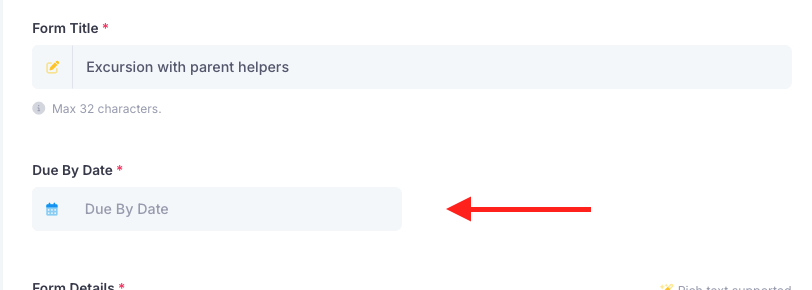
You may find that some parents will not have responded to a form and when they do, it has passed the due by date. As the due by date is passed, those parents will not be able to submit the form. In order to unlock the form for them, you will just need to change the date of the form. To do this, go into the Forms module. Find the form, "Actions" then "Edit". You will then see the date option, change it to a date in the future and save the form. Those parents will then be able to respond to the form.
Was this article helpful?
That’s Great!
Thank you for your feedback
Sorry! We couldn't be helpful
Thank you for your feedback
Feedback sent
We appreciate your effort and will try to fix the article