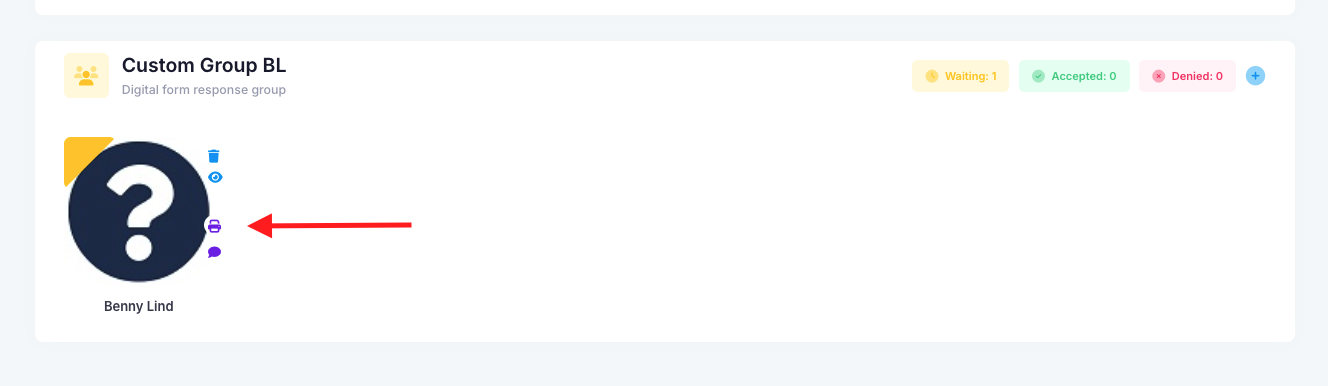
Yes, you will be able to print a blank form for a student. First, go into the Forms module, find the form and click "Actions" > "Responses". There, find the student and click the purple print icon. This will print a blank PDF for the selected student. Once done and you have received the response from the parent, you can then impersonate and fill in the from digitally for them. That way staff have access to the form's response.
Was this article helpful?
That’s Great!
Thank you for your feedback
Sorry! We couldn't be helpful
Thank you for your feedback
Feedback sent
We appreciate your effort and will try to fix the article