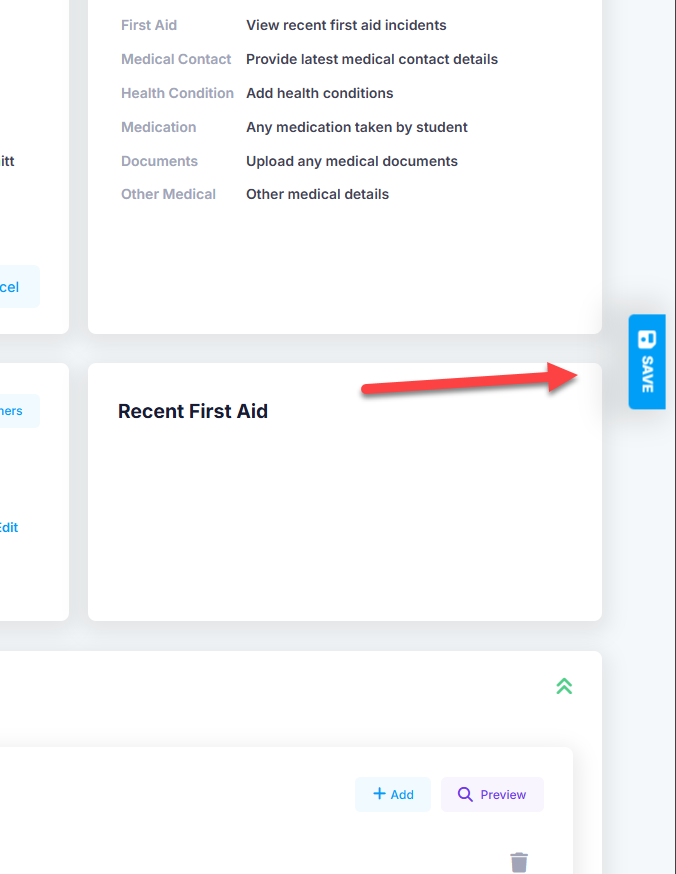
When updating any information on the medical page, make sure you are saving it by clicking the blue “Save” button on the right hand side of the page. It is recommended that you save after each item has been updated. For example, if a health condition needs to be added, along with the required medication, add the health condition and save that. Then go and add the prescribed medication and save again. If the information is still not saving, contact our support team.
Was this article helpful?
That’s Great!
Thank you for your feedback
Sorry! We couldn't be helpful
Thank you for your feedback
Feedback sent
We appreciate your effort and will try to fix the article