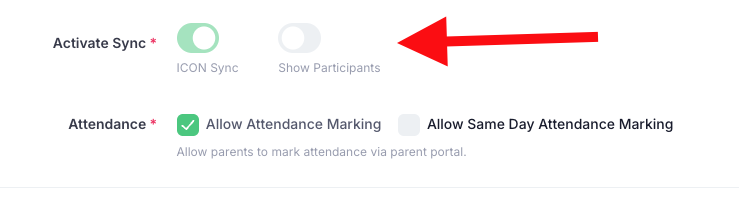
Yes, you can hide the names of participants in a group chat; however, only the admin has this ability. To do this, go to "Apps" > "School" > "School Details". Then, click "Edit School" and scroll to the bottom of the page. You’ll find a "Show Participants" toggle there, where you can select or deselect the option as needed.
Was this article helpful?
That’s Great!
Thank you for your feedback
Sorry! We couldn't be helpful
Thank you for your feedback
Feedback sent
We appreciate your effort and will try to fix the article