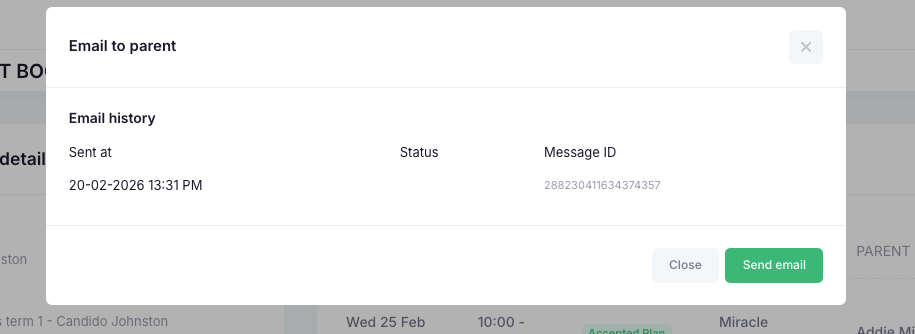
Once the meeting has been marked as complete, that status will update. You can then use the purple upload button to add any documentation. Once all documentation has been added, email the parent with the blue envelope button. This will present you with an email trail log as well.

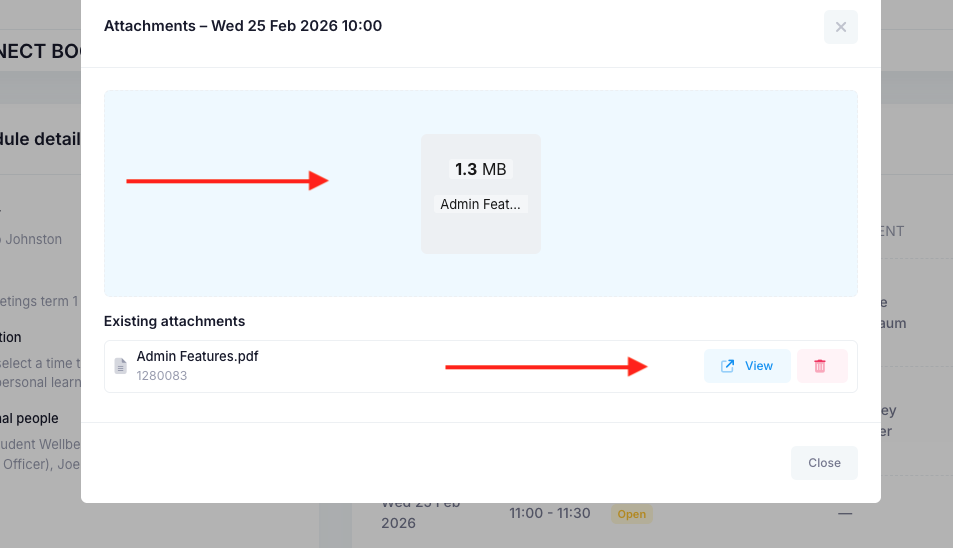
Drop the files into the blue area or click in the area and upload. Once done, the attached file will be listed at the bottom. You can view and delete the attachment if necessary.
Once done, you can send the email notifying the parent to login and view the documentation.
Was this article helpful?
That’s Great!
Thank you for your feedback
Sorry! We couldn't be helpful
Thank you for your feedback
Feedback sent
We appreciate your effort and will try to fix the article