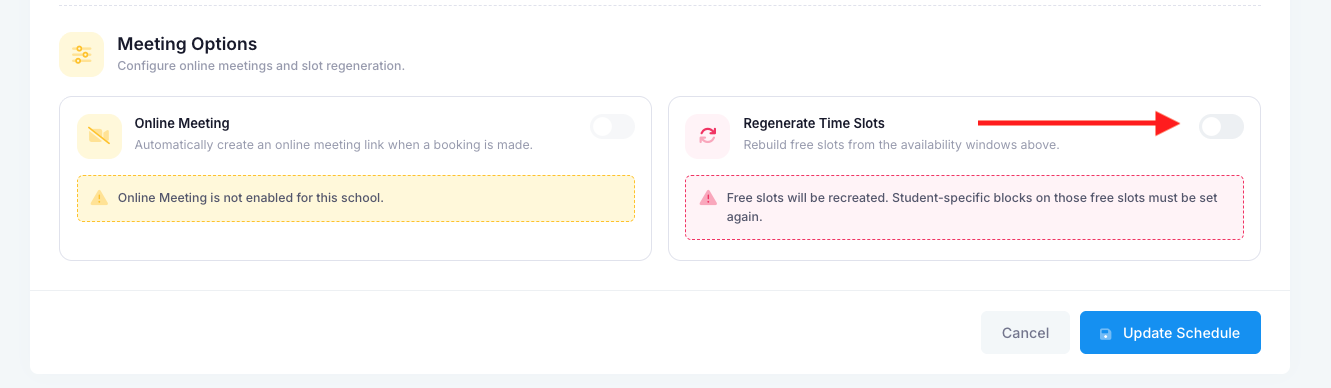
If you create a Connect session and save it as “Draft,” then later need to change the dates or times, you will need to use the Regenerate button. This will refresh all existing slots and create new ones based on the updated dates and times.
Once the dates have been updated and the button selected, ensure that the session is then saved for the changes to take effect.
Was this article helpful?
That’s Great!
Thank you for your feedback
Sorry! We couldn't be helpful
Thank you for your feedback
Feedback sent
We appreciate your effort and will try to fix the article