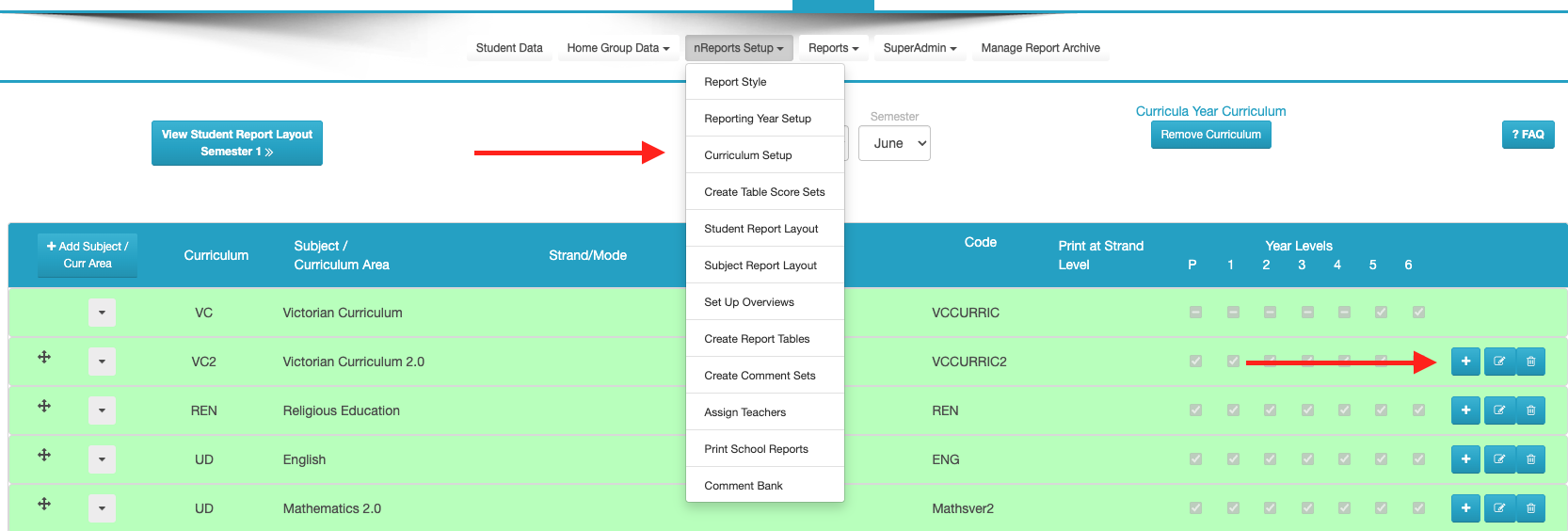
Go into "nReports" > "nReports Setup" > "Curriculum Setup". Go to the subject and lick on the "+" icon.
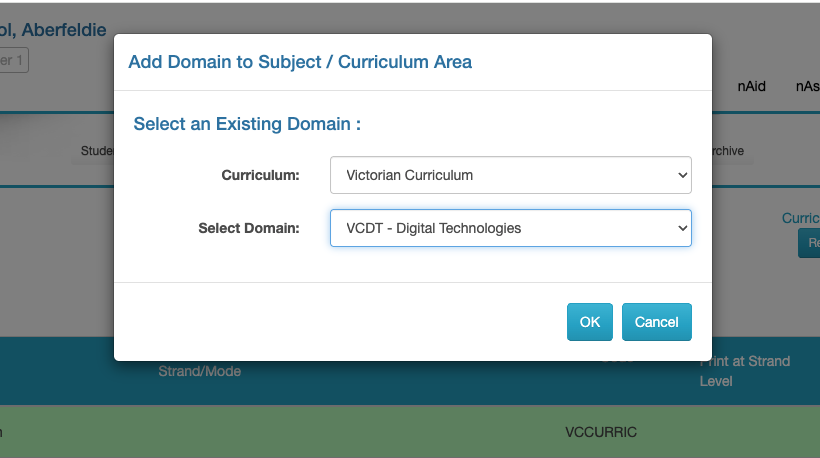
Once there, select the curriculum and the subject.
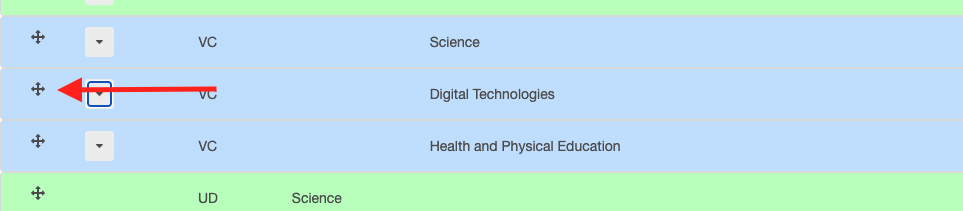
You will now see the subject available. If you want, you can then re-order it.
Was this article helpful?
That’s Great!
Thank you for your feedback
Sorry! We couldn't be helpful
Thank you for your feedback
Feedback sent
We appreciate your effort and will try to fix the article