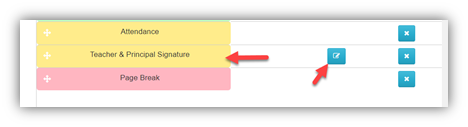
To upload the principal's signature, go to Home then Student Report Layout. Click on the edit button for the "Teacher and Principal Signature" tile.
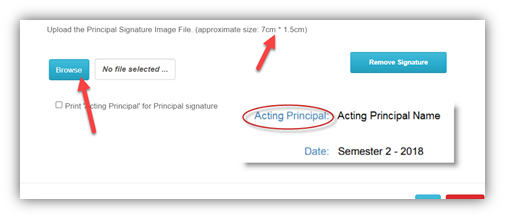
Make sure you can scan the signature nice and big. Once scanned, crop the jpeg image to 7 cm x 1.5 cm and upload.
Was this article helpful?
That’s Great!
Thank you for your feedback
Sorry! We couldn't be helpful
Thank you for your feedback
Feedback sent
We appreciate your effort and will try to fix the article