Always ensure the data is correct in E-SIS first. If all is okay there, follow these steps.
1. Go into "School Config" -> "SIF data integration"
2. Change the entity type to "StudentSchoolEnrollment"
3. Look for the student and "compare records". You will see what information is coming from E-SIS and what is currently in nForma
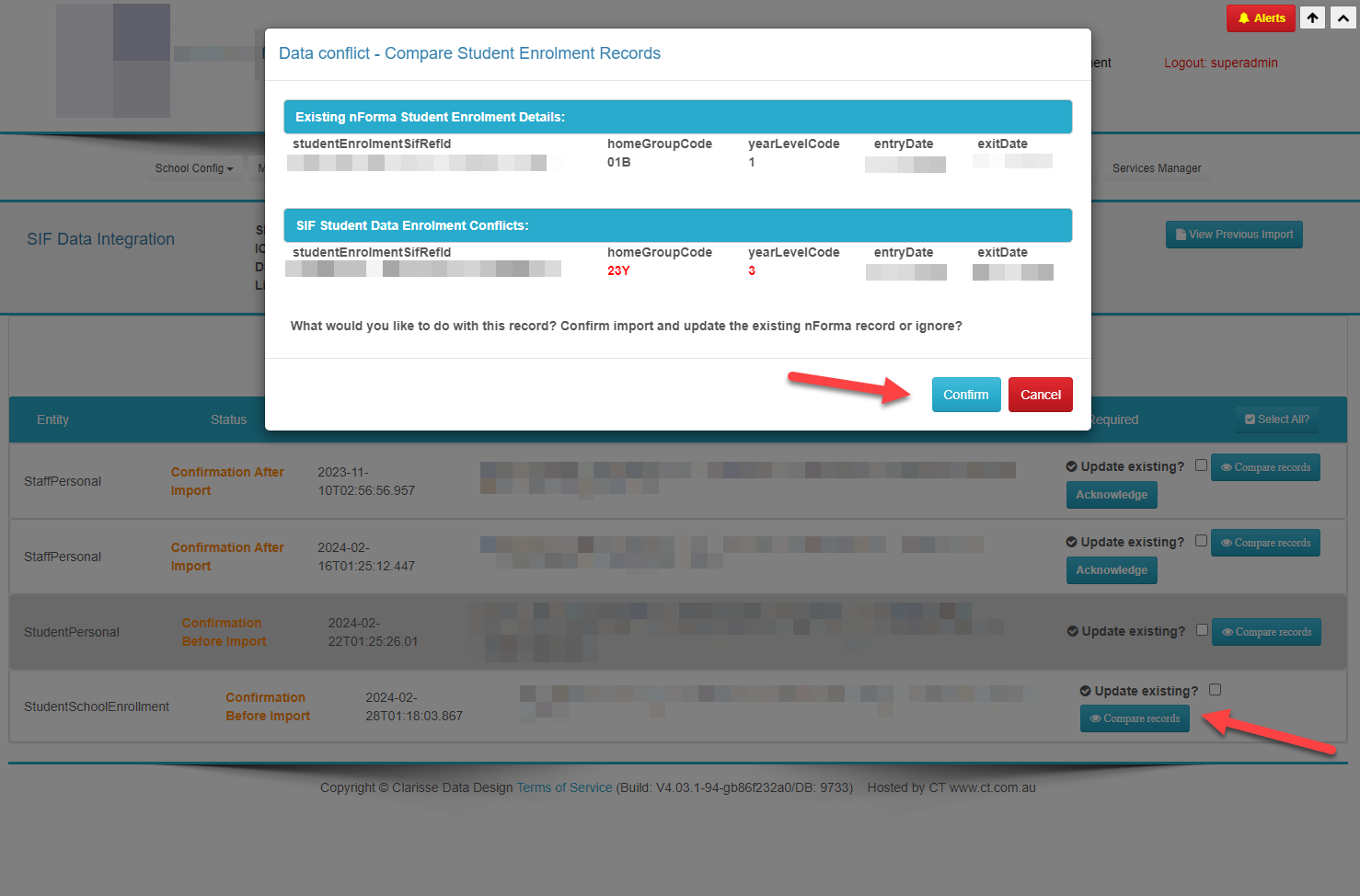
4. If the data coming from E-SIS is correct, click confirm.
If the student is not appearing on this page you can manually change their Home Group
1. Go into "Maintain Students / Class List"
2. Find the student in the current Home Group / Year level
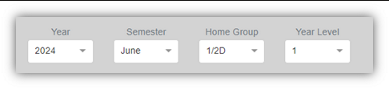
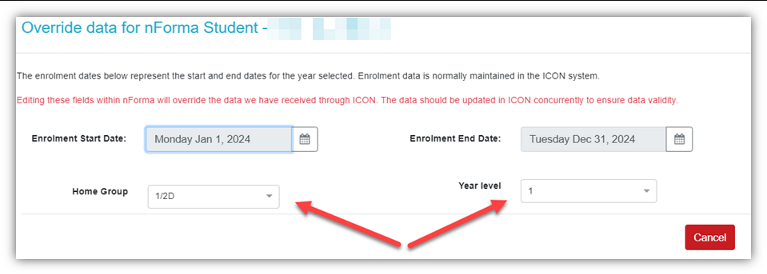
3. Click on the orange edit icon

4. Change the Home Group or Year Level and save
Was this article helpful?
That’s Great!
Thank you for your feedback
Sorry! We couldn't be helpful
Thank you for your feedback
Feedback sent
We appreciate your effort and will try to fix the article