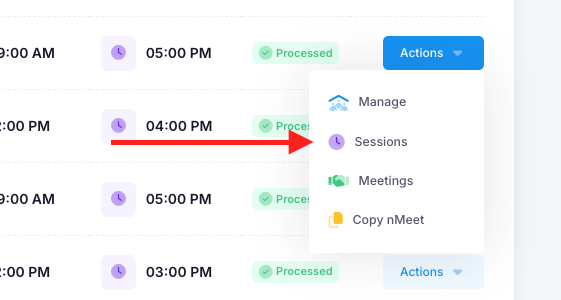
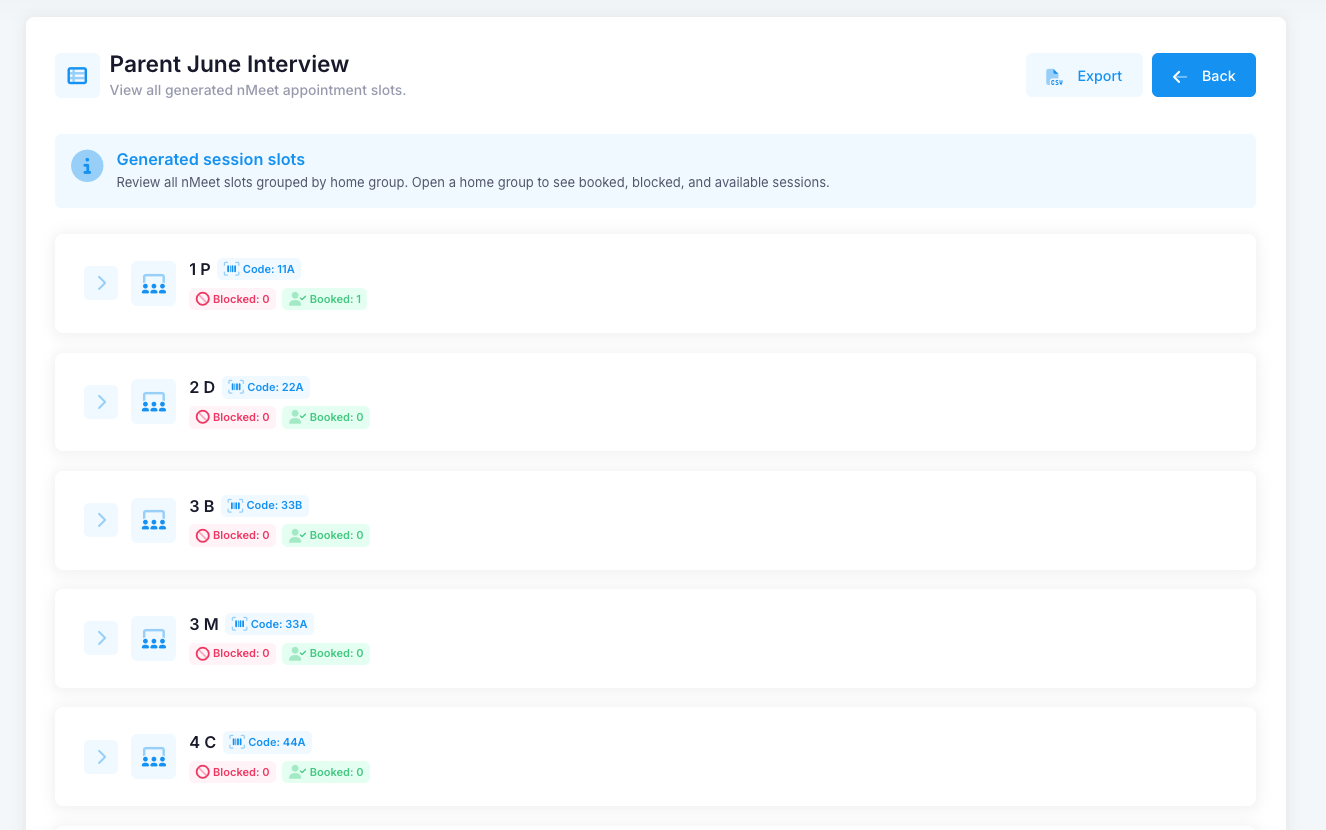
Administrators have the ability to check all sessions for the nMeet. To do this, go into the “Actions” drop down of the selected nMeet session. Select “Sessions”. You will then be shown all the selected home groups for the nMeet. Select the home group and you will see who has booked each time slot.
Was this article helpful?
That’s Great!
Thank you for your feedback
Sorry! We couldn't be helpful
Thank you for your feedback
Feedback sent
We appreciate your effort and will try to fix the article