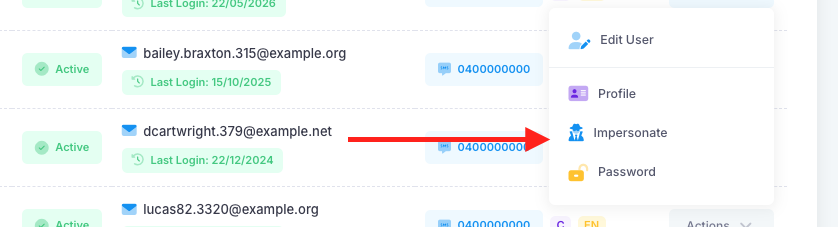
If a parent has booked a nMeet slot that needs to be made available again, an admin can do this. To do this, first impersonate the parent who booked the slot via Apps > Users > Parents.
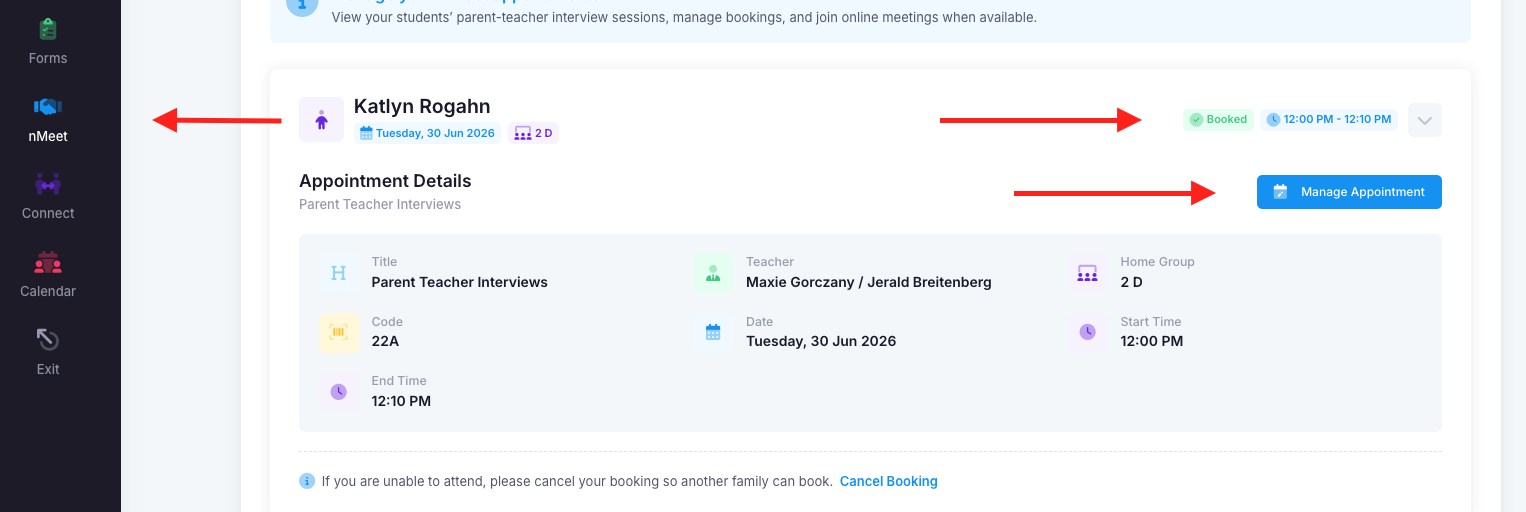
Once in, select the nMeet and booked session and click on "Manage Appointment".
Click on the "Reschedule" button and confirm. This will remove the booking and make it available for another parent to book.

Was this article helpful?
That’s Great!
Thank you for your feedback
Sorry! We couldn't be helpful
Thank you for your feedback
Feedback sent
We appreciate your effort and will try to fix the article