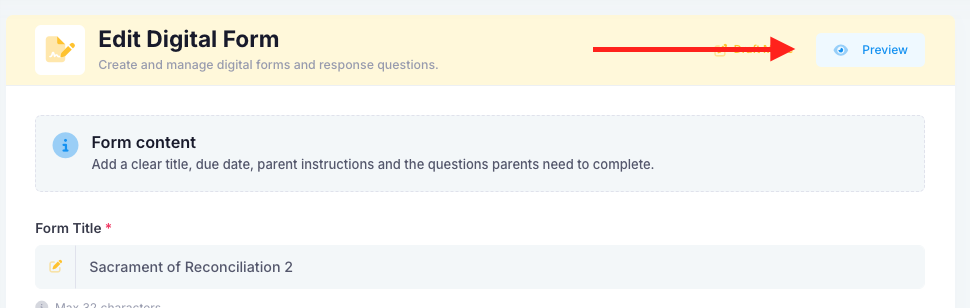
Yes, forms can be previewed before they are published. To preview a form, ensure that either a home group or custom group is selected. As this is in draft mode, it is not crucial that it is the correct group, just ensure to check before publishing. Once a group has been assigned, click on the “save” button. On the form you would like to preview, select the “actions” drop down and then choose “edit”. You will then find a blue preview button at the top of the page. The preview that is presented to you, is an exact replica of what the parent will see.
Was this article helpful?
That’s Great!
Thank you for your feedback
Sorry! We couldn't be helpful
Thank you for your feedback
Feedback sent
We appreciate your effort and will try to fix the article