Attendance Updates
Copy AM roll and Late Arrivals
When copying the AM roll, any student who is marked as Present - Late Arrival in the AM, will be set to the standard Present - Present status in the PM roll. This will save staff having to update the reason from "Late Arrival" to "Present".
Copy AM roll and Early Departure
When copying the AM roll, any student who is marked as Present - Early Departure in the AM, will be set to "Unmarked" in the PM roll. Staff can then update the student to "Absent" and the reason for their departure, eg. "Sick".

Unexplained Absences Page
There have been 3 improvements to the unexplained Absences Page
- The display all button will show all students listed as absent unexplained for the day.

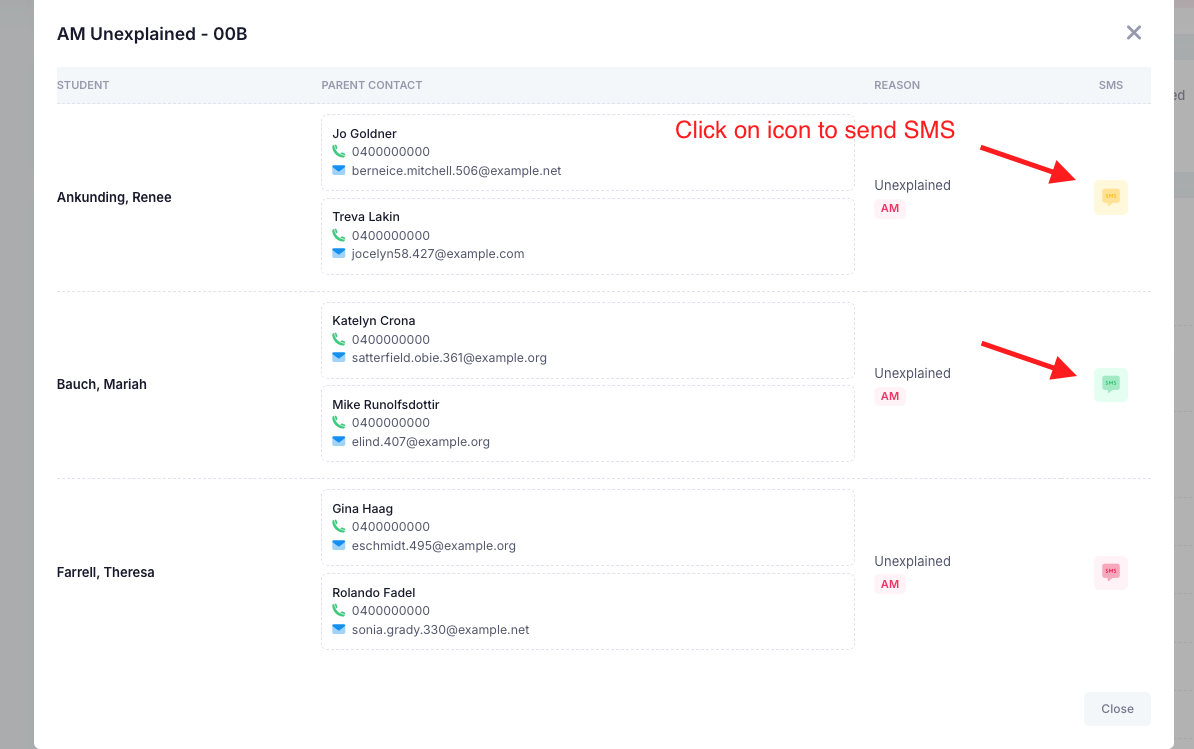
- Parent Contact details will now appear on the unexplained absences page. This should help find contact details efficiently if further follow up is required.
- Staff can now manually send unexplained absence SMS messages. This is on top of the schedule. This feature will be handy for those rolls that are marked after the automatic schedule has already run. The status of the SMS is also displayed on this page.
- Green = Successful
- Red = Failed
- Yellow = Queued
- Grey = Not queued (note: this will appear if a student is marked as absent - unexplained in the PM roll).
Parent Attendance submissions
Those parents who have submitted an absence via the app or portal will display as "Parent" on the roll itself. This should make it clear for teachers that an attendance has been submitted.

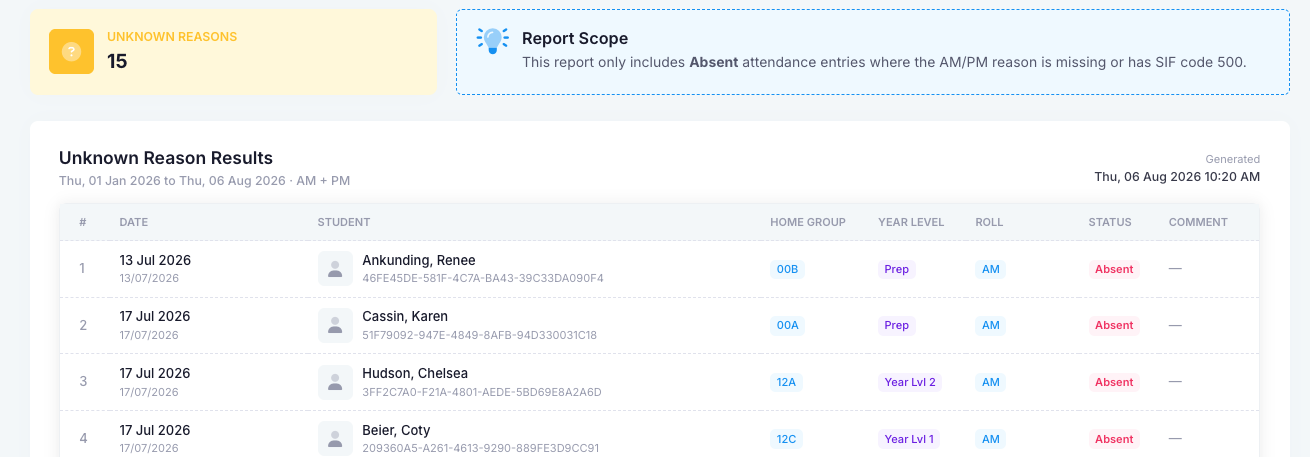
Unknown Reason Report
This has been modified to display relevant data
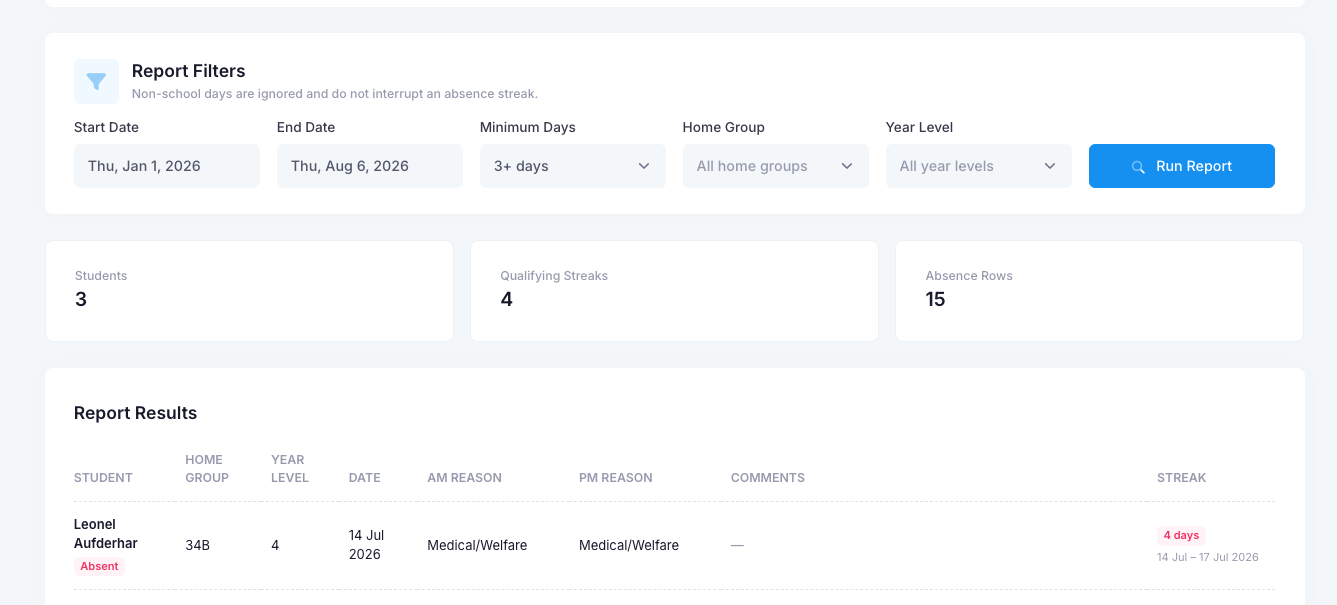
Consecutive Absence Report
This report will allow schools to export students who have been marked as absent for a consecutive amount of days.
Daily Roll Report
This report has been re-formatted so that it is in line with the old nForma nRoll Daily roll report. It will display home group totals and then list absent students and students who have either arrive late or left early.
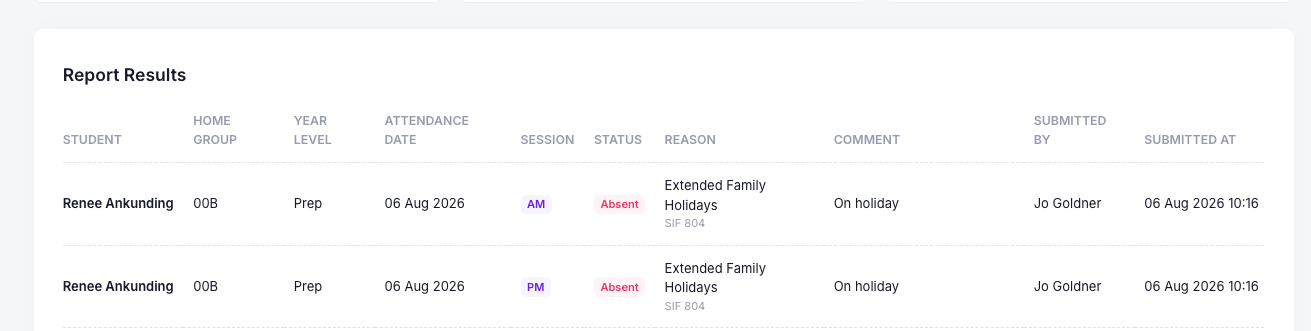
Parent Absences Report
This will display all absences submitted by parents via the app or desktop within the given date range. Note: This will not display pre-submitted absences and will only display from when this update was released.
Unmarked Rolls Report
This report can be run between a given date range and will display all unmarked rolls. The filter options can be used to narrow down the report.

Roll Functionality
- Students will not be able to be marked as Absent - Unexplained in the PM roll, unless they were marked as Unexplained in the AM.
- The Comment box on the roll will now display the full message.
- A second "Confirm" roll button was added to the bottom of the page.

Teacher unmarked roll reminder email
Fixed a bug where the staff surname was being displayed twice.
Student Free Day
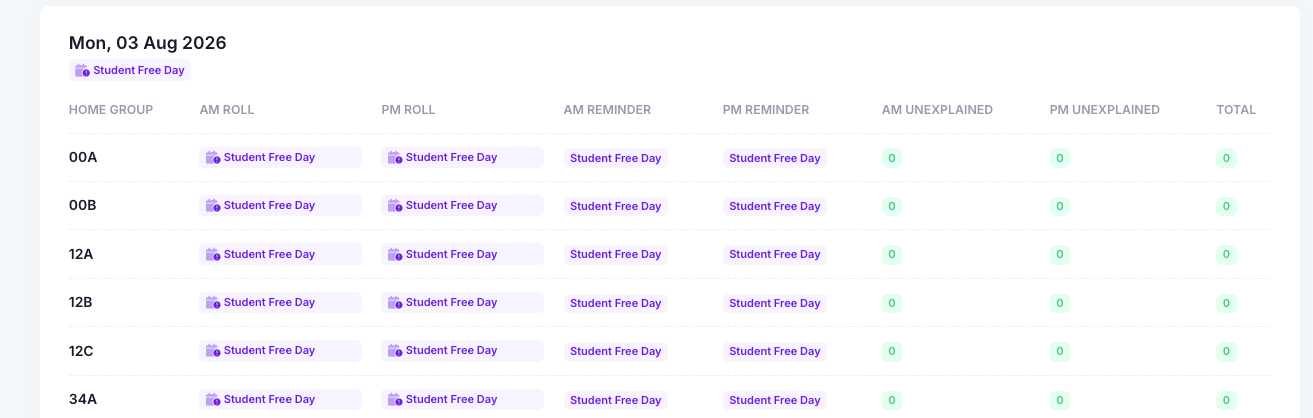
When a day is marked as "Student Free", it will not be able to be edited via the roll itself. The unexplained absences page will also reflect that it is "Student Free" day.
FAQ Link
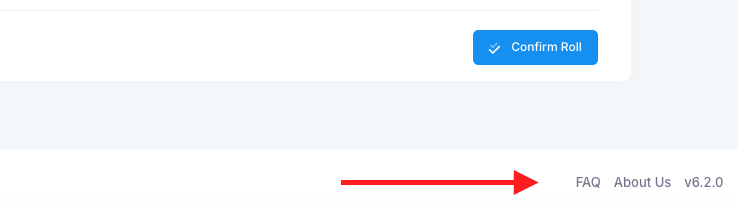
The FAQ link at the bottom of the portal page, will now direct staff to the current FAQ site.
Was this article helpful?
That’s Great!
Thank you for your feedback
Sorry! We couldn't be helpful
Thank you for your feedback
Feedback sent
We appreciate your effort and will try to fix the article