To change how the Kiosk functions when it has lost network connection:
Go to Kiosk > Configuration.
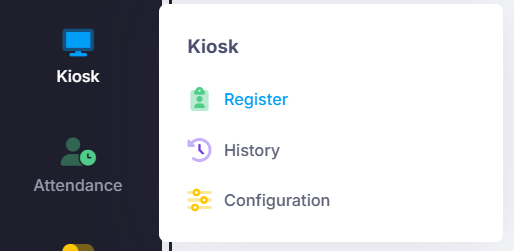
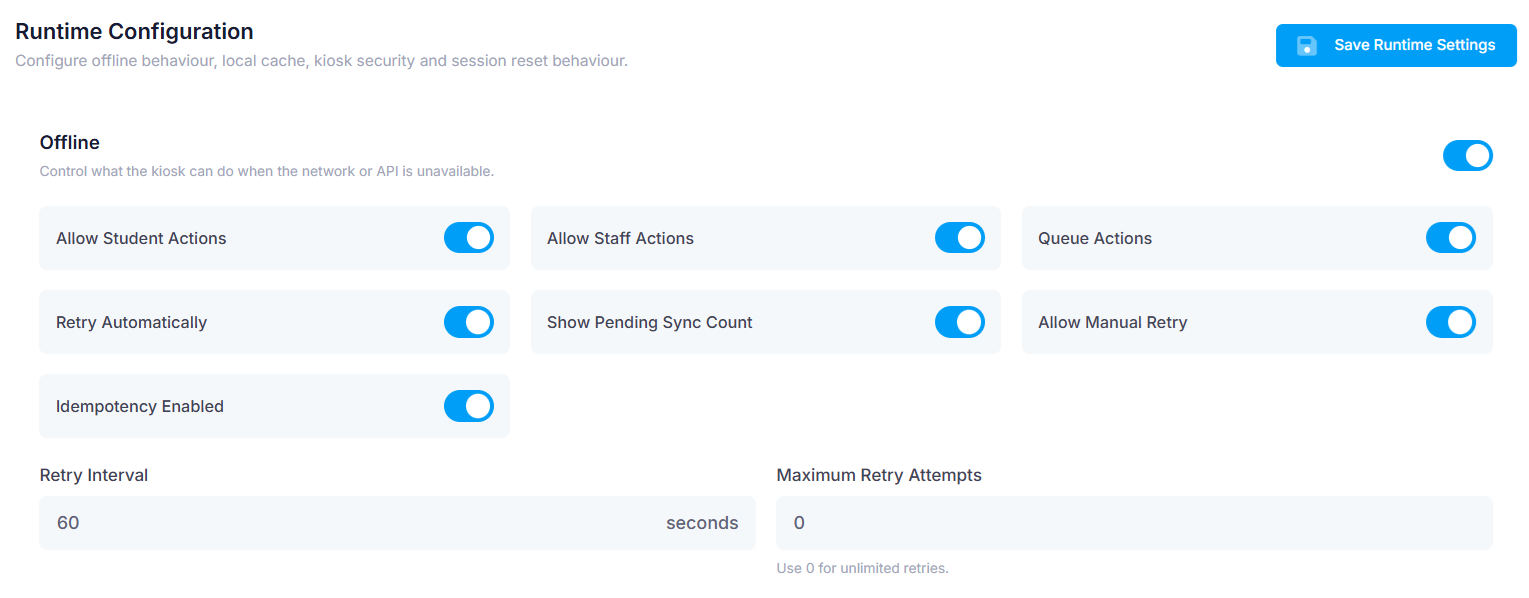
Under the runtime tab, scroll down to ‘Offline’.
Here you can choose which functions will still be enabled while network connection is unavailable.
You can also use the ‘Retry Interval’ to change how often it will try to automatically reconnect.
Save if changes have been made.
Was this article helpful?
That’s Great!
Thank you for your feedback
Sorry! We couldn't be helpful
Thank you for your feedback
Feedback sent
We appreciate your effort and will try to fix the article