To add, remove or edit induction messages:
Go to Kiosk > Configuration.
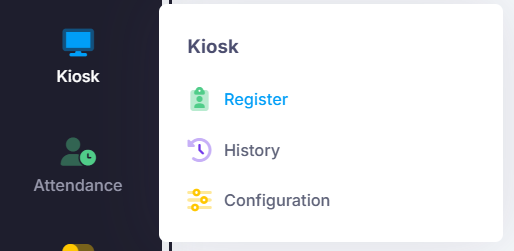
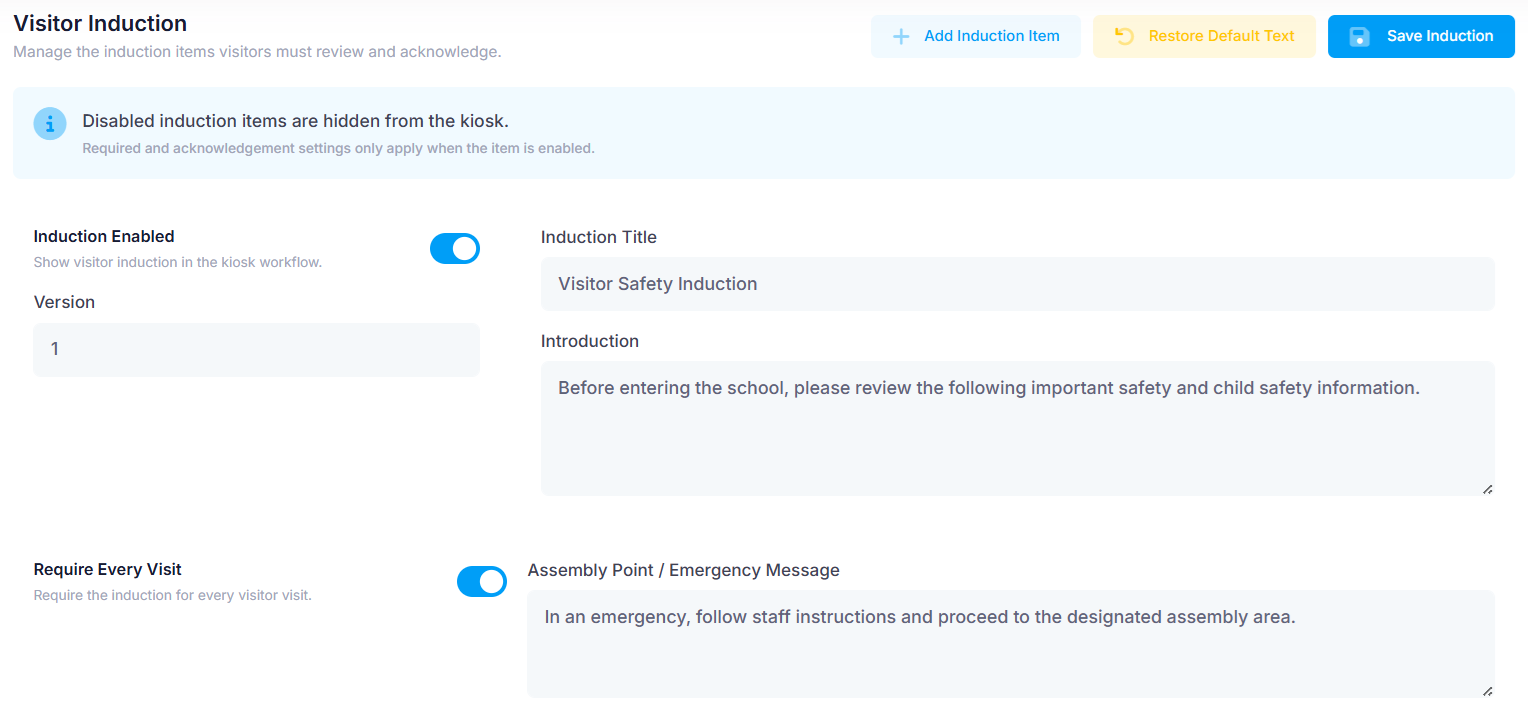
Under the Visitors tab, scroll down to ‘Visitor Induction’.
In this section you can have multiple induction messages for visitors to complete. Add more to the list using the ‘Add Induction Item’ button.
The first Induction acts as an introduction. It may be toggled to appear each time a visitor signs in via ‘Require Every Visit’.
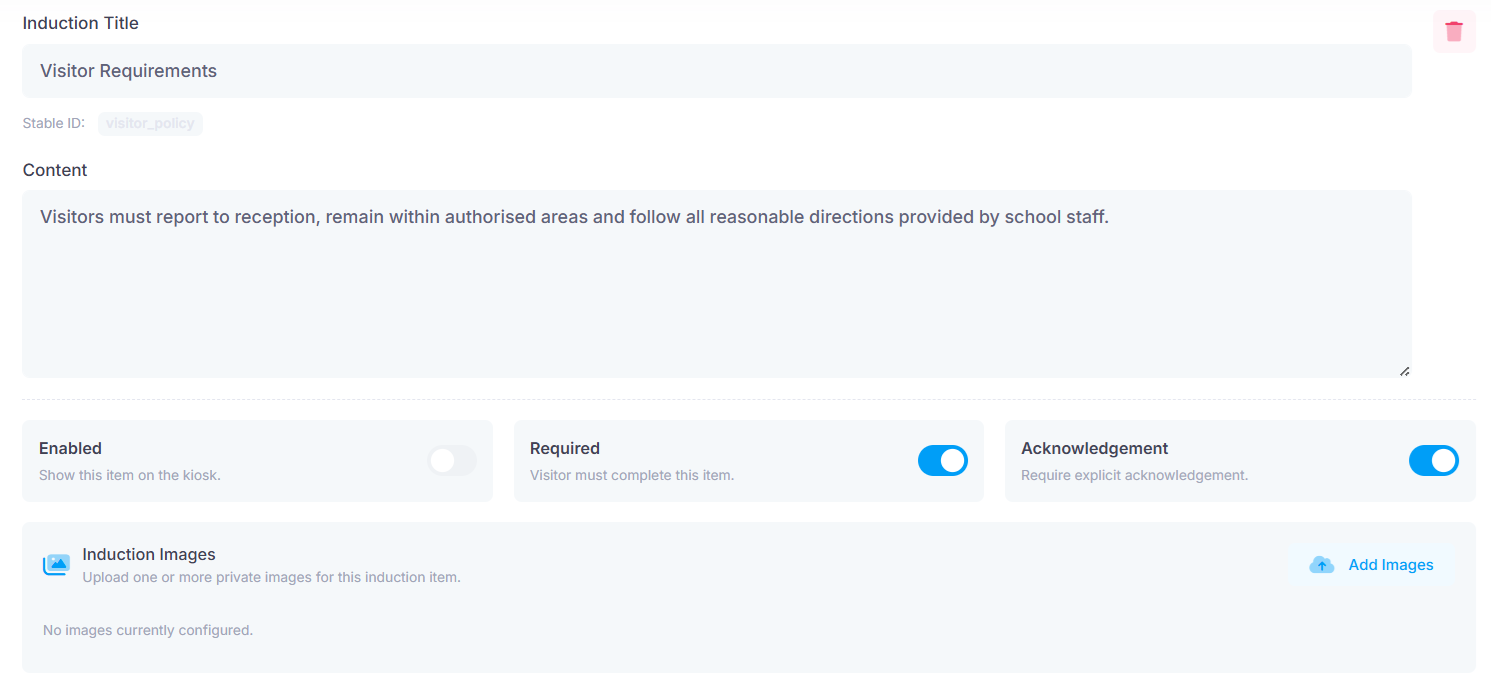
You can edit the title and text for each induction item.
Each induction may also be:
Enabled / disabled
Marked as required before the visitor can move on
Marked as requiring an acknowledgement from the visitor
Images can also be uploaded to accompany each Induction message. Upload these via the ‘Add Images’ button.
Save if changes have been made.
Was this article helpful?
That’s Great!
Thank you for your feedback
Sorry! We couldn't be helpful
Thank you for your feedback
Feedback sent
We appreciate your effort and will try to fix the article