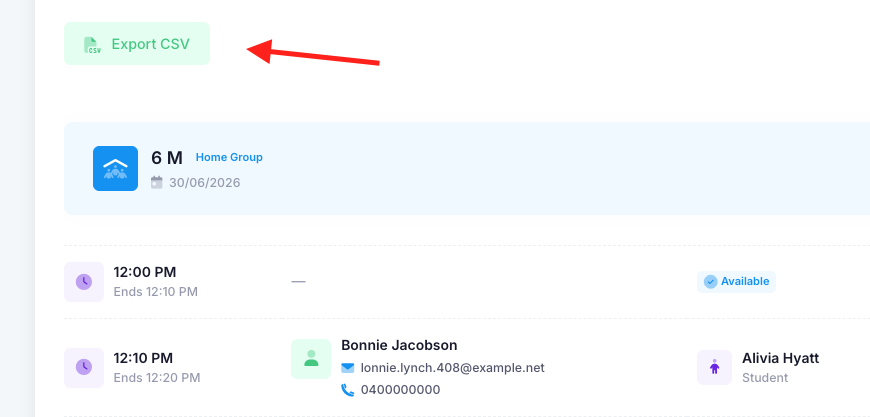
To do this, go into the “Actions” drop down of the selected nMeet session. Select “Meetings”. You will then see a green "Export CSV" button at the top left of the page. The nMeet will be downloaded and can then be used however desired.
Was this article helpful?
That’s Great!
Thank you for your feedback
Sorry! We couldn't be helpful
Thank you for your feedback
Feedback sent
We appreciate your effort and will try to fix the article